Adding a Win Condition
Right now, the game ends when the ball falls off the screen, but nothing happens when the player clears all the bricks. Let’s add a win condition so the player gets a victory message once every brick is destroyed.
Checking the Score Against Total Bricks
The total number of bricks is brickRowCount * brickColumnCount. If score equals that number, every brick has been hit and the player has won. We can add this check to our game loop, between the existing game-over test and the request for the next animation frame:
   if (!isGameOver) {
-    window.requestAnimationFrame(draw);
+    if (score === brickRowCount * brickColumnCount) {
+      window.alert("You won!");
+    } else {
+      window.requestAnimationFrame(draw);
+    }
   } else {
     window.alert("Game over!");
   }
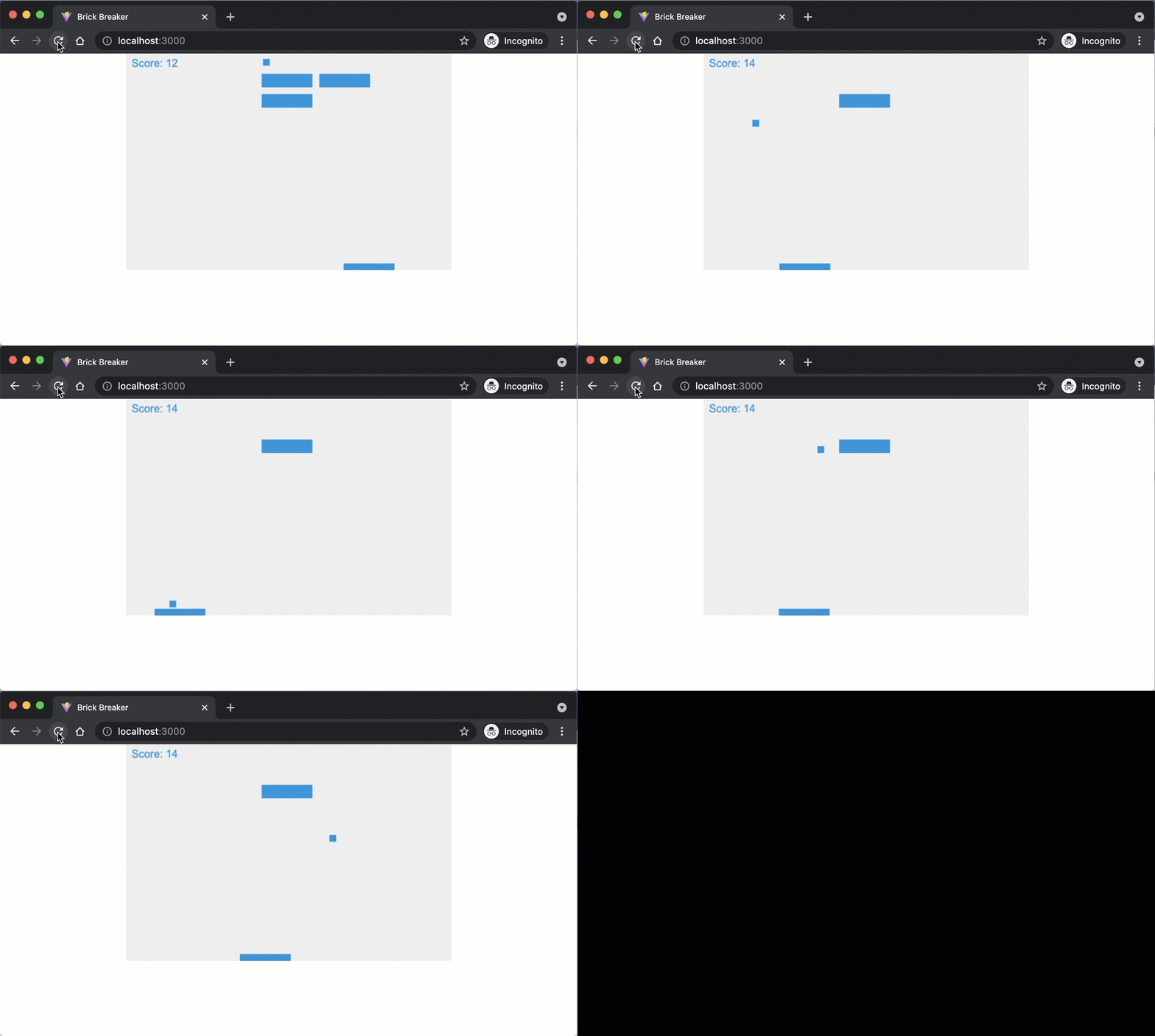
The logic now has three branches: if the player loses, show "Game over!"; if every brick is broken, show "You won!"; otherwise, keep animating.
Save your code and observe the changes in the browser.
Ideas for Further Enhancements
The core game is complete. Here are a few ways you could extend it on your own:
- Randomize the ball’s initial position and movement direction each round.
- Add difficulty levels by spacing bricks more sparsely or increasing ball speed.
- Add multiple lives so the player can miss the ball a few times before losing.
Checkpoint: Commit your progress.
git add .
git commit -m "brick-16: Add win condition when all bricks are cleared"
git push