Open the Chat View
Copilot is installed and signed in, and the Wordle starter is open in VS Code. You did not write this code, and you have not read it yet. Before you touch anything, let’s ask Copilot what is in here.
Open the Chat View
The Chat view is the main place you talk to Copilot. It is a panel that opens on the right side of VS Code, and you can hold a conversation about your code there over several turns. To open it:
Ctrl+Cmd+Ion macOSCtrl+Alt+Ion Windows or Linux
A panel opens on the right. There is an input box at the bottom. That is where you type. Copilot’s responses stream in above it.
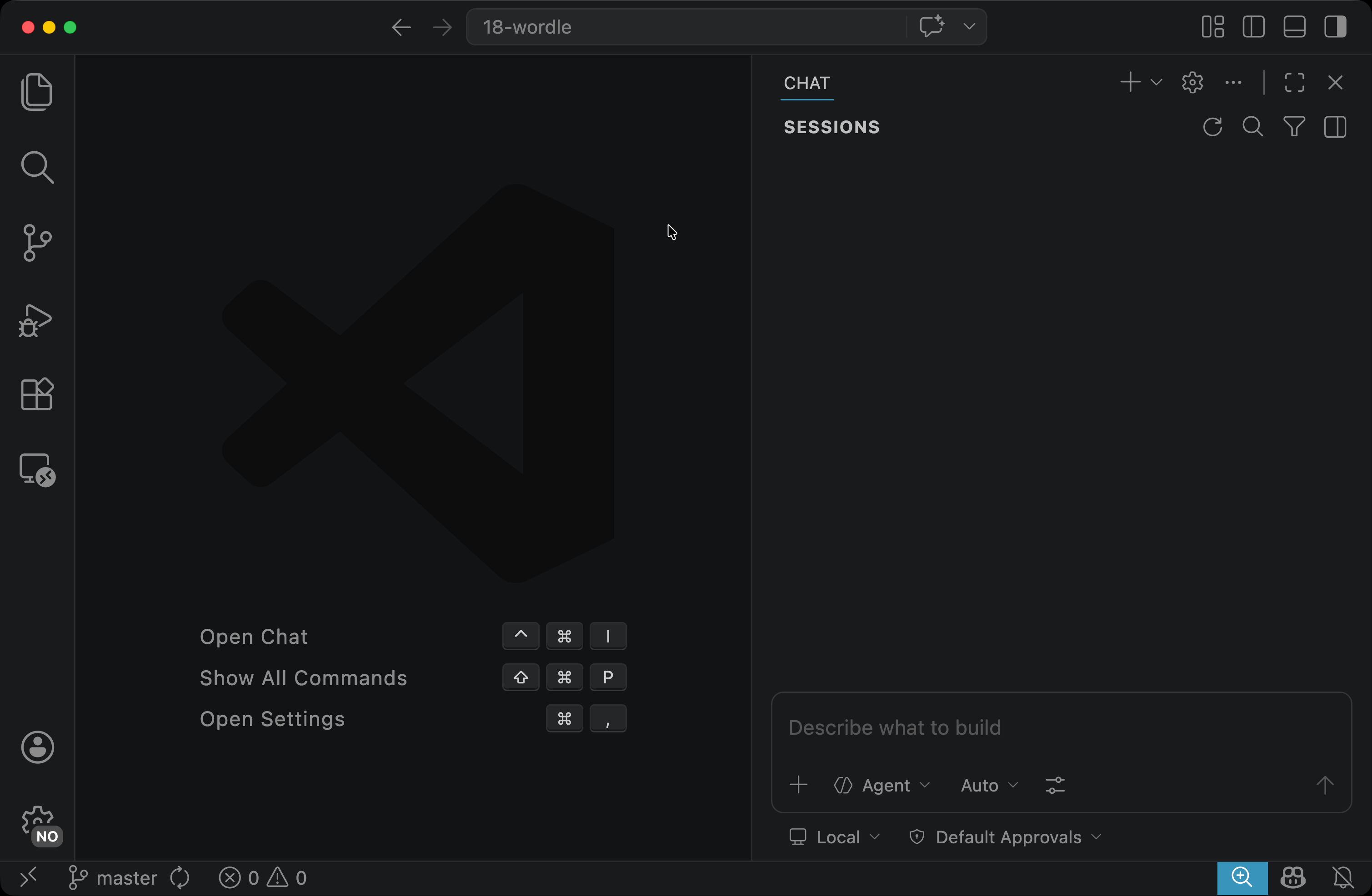
We are using the Chat view because we want a conversation: a question, then a follow-up, then another follow-up. The Chat view keeps the whole thread in one place.
Ask for a Tour
In the input box, type a prompt like this and hit Enter:
I'm new to this codebase. Give me a brief tour of the main folders and files, and tell me what each part does at a high level.
Copilot reads several files before answering. You will see file names appear in the chat as it works. After a moment, it answers with a tour: an entry point or two, the UI components, where the state is kept, where the game logic is, and often the build and config files as well.
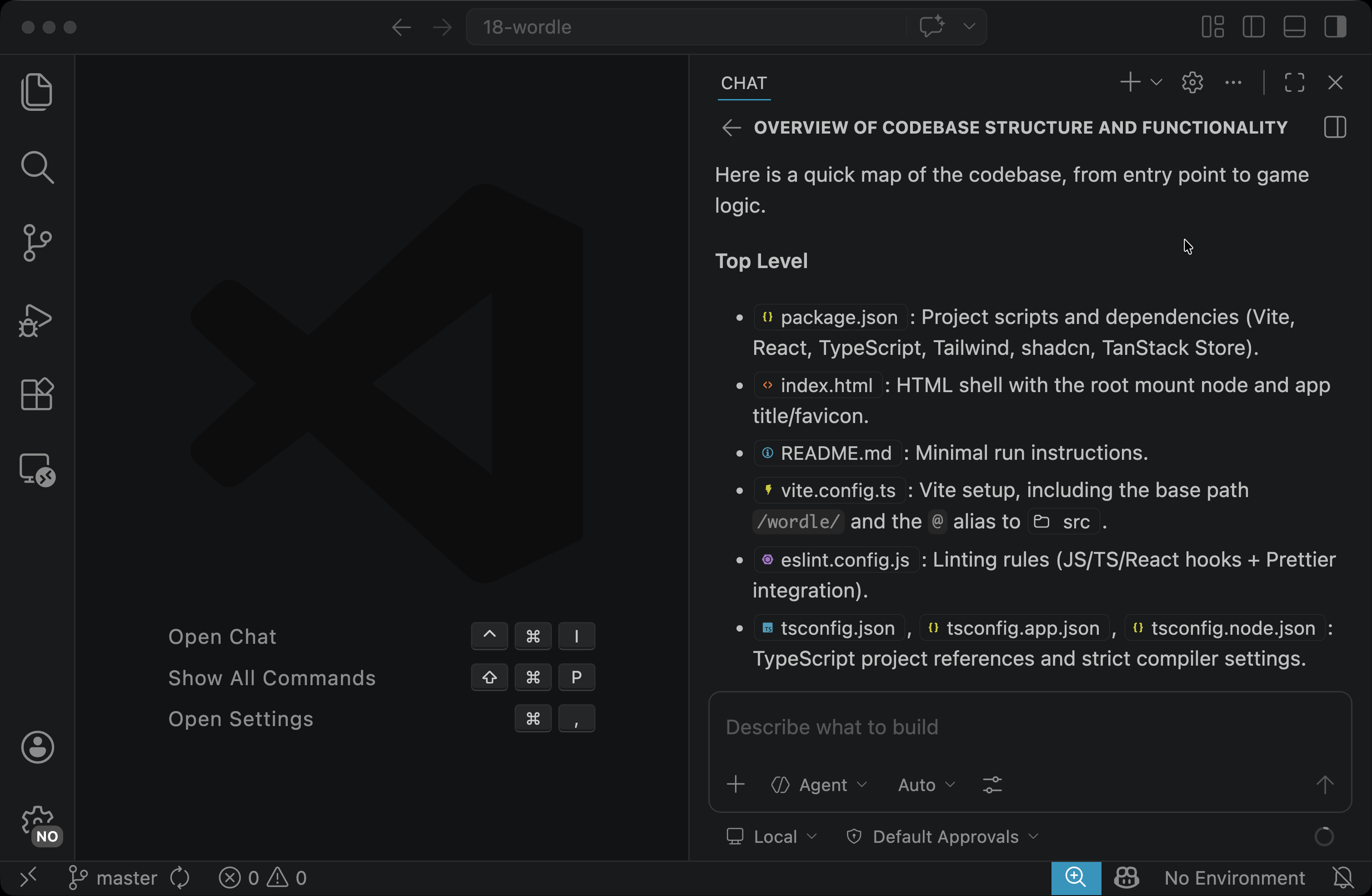
Your tour will not match anyone else’s word-for-word. Copilot may group files differently, skip things it does not think matter, or mention extra ones. If you ask again, it might answer a little differently. The structure is usually the same, though: a high-level map, organized by what each part is responsible for. That is all it is, so treat it that way. It tells you where to look. It is not a complete description of what each file does. We will check the parts that matter as we go.
Follow Up
In the Chat view you can keep going in the same thread. The tour Copilot gave probably covered a lot of things you already know: React entry points, Vite config, the usual scaffolding. So a useful follow-up is to tell Copilot which parts are familiar, so it can focus on the parts that are not:
I'm familiar with React, Vite, Tailwind, and shadcn already. Skip the standard project scaffolding — where should I start reading to understand what's specific to this Wordle implementation?
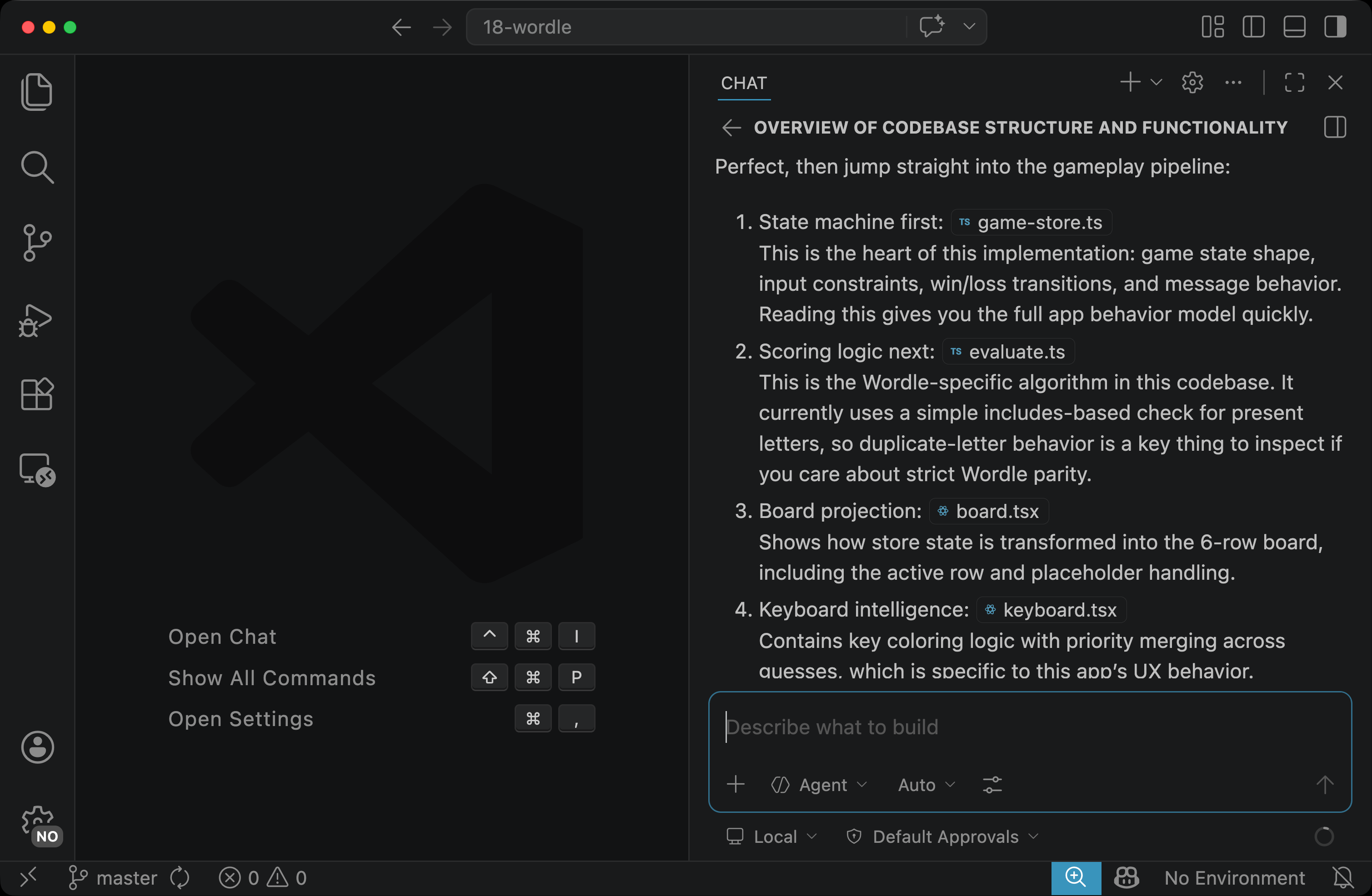
Copilot answers in the same thread. You did not have to re-state which project you are talking about or which files it just described.
Notice what else the prompt did. It told Copilot what you already know, so Copilot could cut its answer down to what is new to you.