Create Routes and Navigation
The starter template has TanStack Router set up with just the root layout. Let’s create the routes we will need and add navigation.
Install shadcn/ui components
We will use several shadcn/ui components throughout this tutorial. Install them now:
pnpm dlx shadcn@latest add card badge separator
Create route files
Create src/routes/index.tsx for the home page:
import { createFileRoute } from "@tanstack/react-router";

export const Route = createFileRoute("/")({
  component: HomePage,
});

function HomePage() {
  return (
    <div>
      <h1 className="mb-6 text-3xl font-bold">Products</h1>
      <p className="text-muted-foreground">Products will go here.</p>
    </div>
  );
}
Create src/routes/products.$productId.tsx for the product detail page:
import { createFileRoute } from "@tanstack/react-router";

export const Route = createFileRoute("/products/$productId")({
  component: ProductPage,
});

function ProductPage() {
  const { productId } = Route.useParams();

  return (
    <div>
      <h1 className="mb-6 text-3xl font-bold">Product {productId}</h1>
      <p className="text-muted-foreground">Product details will go here.</p>
    </div>
  );
}
Create src/routes/cart.tsx for the cart page:
import { createFileRoute } from "@tanstack/react-router";

export const Route = createFileRoute("/cart")({
  component: CartPage,
});

function CartPage() {
  return (
    <div>
      <h1 className="mb-6 text-3xl font-bold">Shopping Cart</h1>
      <p className="text-muted-foreground">Your cart is empty.</p>
    </div>
  );
}
Update the root layout
Replace the contents of src/routes/__root.tsx with:
import { createRootRoute, Link, Outlet } from "@tanstack/react-router";
import { ShoppingCart } from "lucide-react";

export const Route = createRootRoute({
  component: RootLayout,
});

function RootLayout() {
  return (
    <div className="min-h-screen bg-background text-foreground">
      <header className="border-b">
        <nav className="mx-auto flex max-w-5xl items-center justify-between px-4 py-3">
          <Link to="/" className="text-xl font-bold">
            eStore
          </Link>
          <div className="flex items-center gap-4">
            <Link
              to="/"
              className="text-sm text-muted-foreground hover:text-foreground [&.active]:text-foreground"
            >
              Products
            </Link>
            <Link
              to="/cart"
              className="text-sm text-muted-foreground hover:text-foreground [&.active]:text-foreground"
            >
              <ShoppingCart className="h-5 w-5" />
            </Link>
          </div>
        </nav>
      </header>
      <main className="mx-auto max-w-5xl px-4 py-8">
        <Outlet />
      </main>
    </div>
  );
}
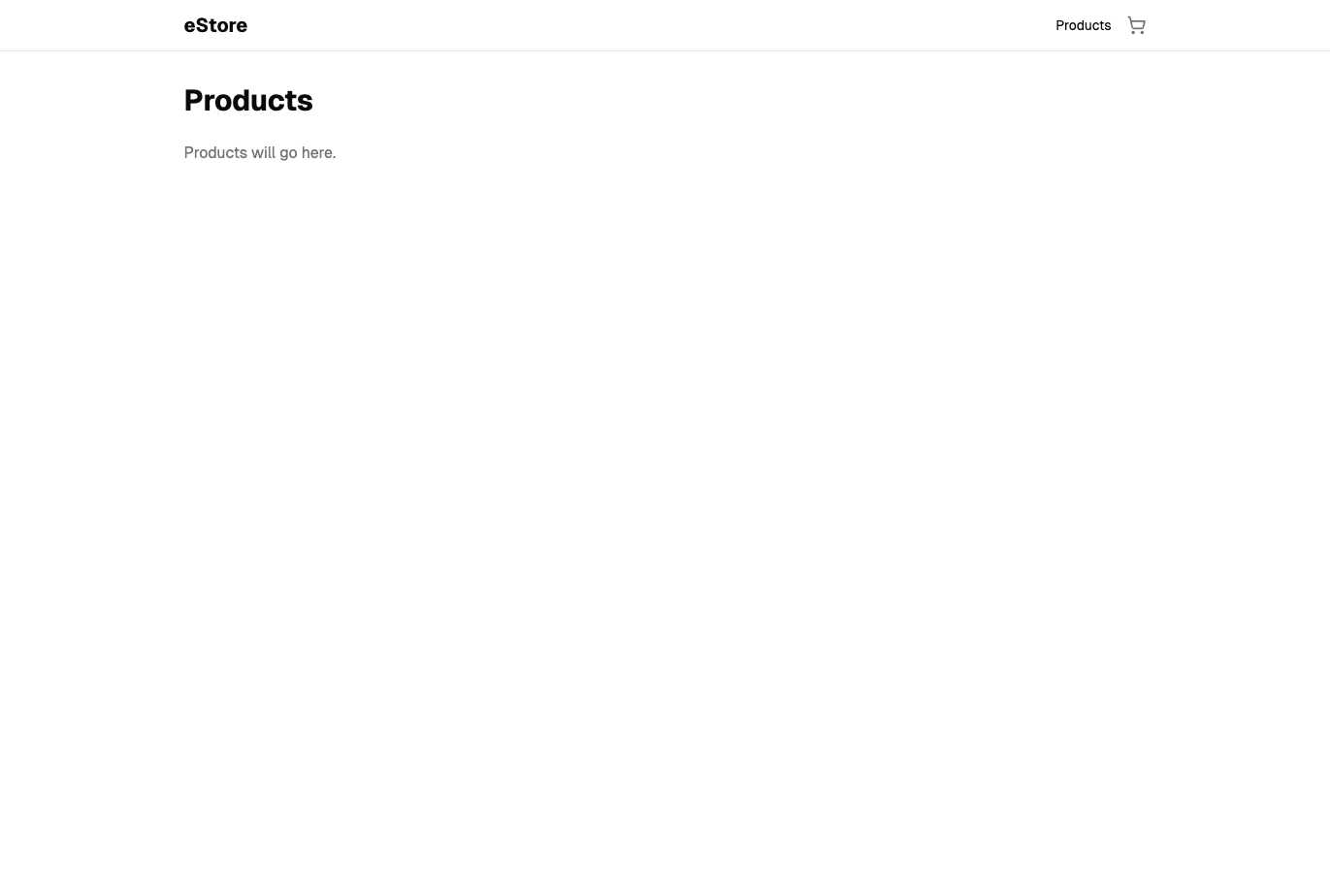
The header has a “Products” link and a cart icon. Both use the [&.active] pattern from TanStack Router to highlight the active link.
Checkpoint: Commit your progress.
git add .
git commit -m "shopping-cart-01: Create routes and navigation"
git push