Setting Up the Game Board
Our Vite project is set up, but right now it is just a blank page. The Brick Breaker game used a <canvas> element. This time we will build the Snake game entirely with DOM elements. The game board will be a CSS grid of <div> cells. Each cell represents one tile the snake can occupy.
Setting Up the HTML
Update index.html to include a container for the board:
  <body>
+   <div id="board"></div>
    <script type="module" src="/src/main.js"></script>
  </body>
This single <div> will hold all 400 cells (20 x 20) of our grid. We will create the cells dynamically with JavaScript.
Styling the Board
Currently, src/style.css is empty. Add the following styles:
* {
  padding: 0;
  margin: 0;
  box-sizing: border-box;
}

body {
  display: flex;
  justify-content: center;
  align-items: center;
  min-height: 100vh;
  background: #222;
}

#board {
  display: grid;
  grid-template-columns: repeat(20, 1fr);
  grid-template-rows: repeat(20, 1fr);
  width: 400px;
  height: 400px;
  background: #111;
  border: 2px solid #555;
}

.cell {
  width: 100%;
  height: 100%;
  border: 1px solid #1a1a1a;
}
This uses display: grid with grid-template-columns: repeat(20, 1fr). This creates a 20-column layout where each column takes an equal fraction of the available space. Combined with 400 cells, we get a 20 × 20 grid.
Creating the Grid
Replace the content of src/main.js with the following:
import "./style.css";

const GRID_SIZE = 20;

const board = document.getElementById("board");

for (let i = 0; i < GRID_SIZE * GRID_SIZE; i++) {
  const cell = document.createElement("div");
  cell.classList.add("cell");
  board.appendChild(cell);
}
The script creates 400 <div> elements and appends them to the board. Each cell gets the .cell class for styling. CSS Grid handles the layout. The cells fill the 20-column grid automatically, left to right and top to bottom.
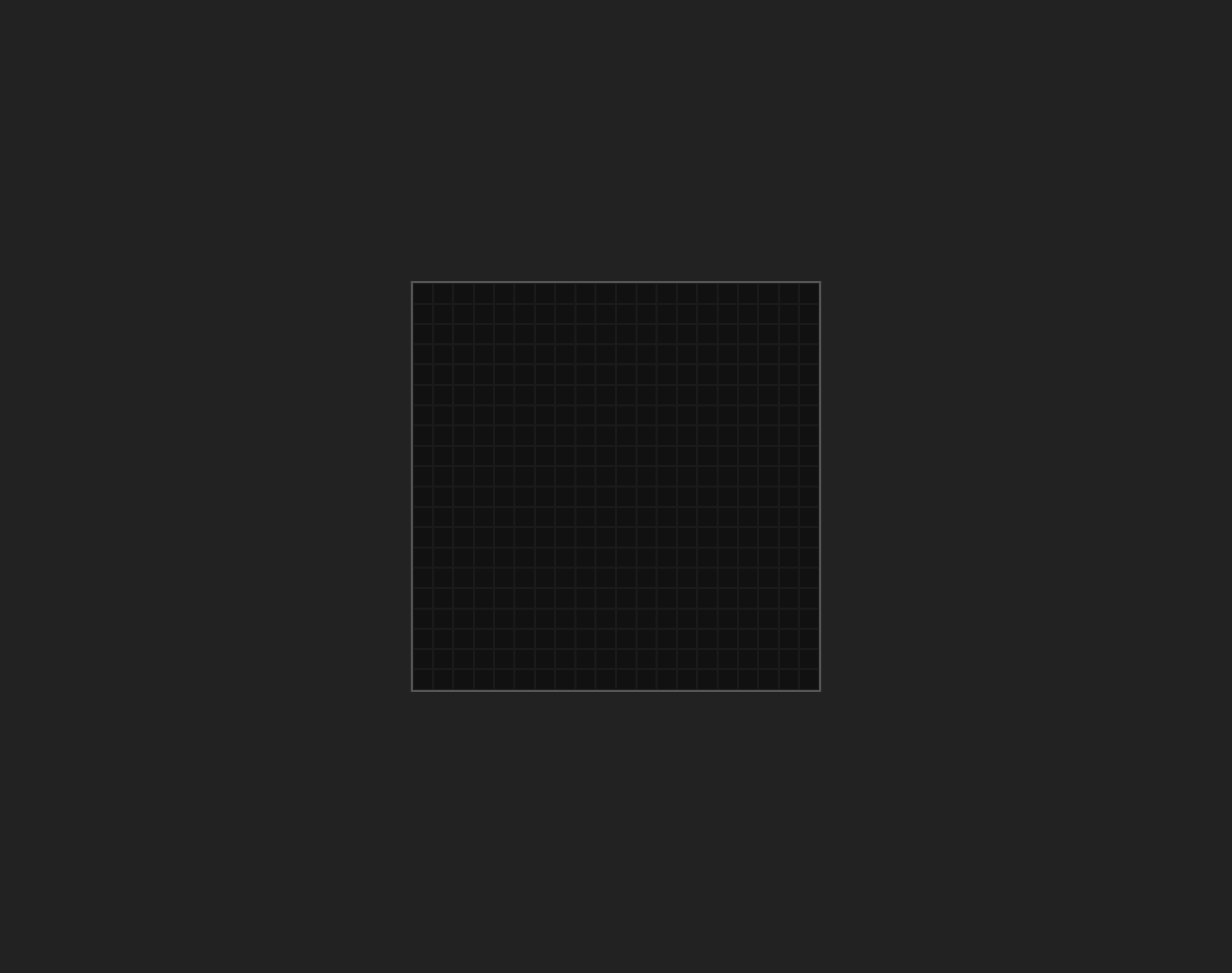
Run the dev server. You should see a dark grid centered on the page:
Checkpoint: Commit your progress.
git add .
git commit -m "snake-01: Set up game board with CSS grid"
git push