Using the Sprite Class
With the Sprite class ready, let’s use it. We will replace the raw variables and manual drawing logic in src/main.js with a single Sprite object that draws and moves itself.
Importing the Sprite Module
Open src/main.js and add this import statement at the top of the file:
import Sprite from "./model/sprite.js";
This pulls in the Sprite class we built in the previous section so we can create instances from it.
Replacing Variables with an Object
In src/main.js, find the standalone position and velocity variables and replace them with a single Sprite instance:
- let x = canvas.width / 2;
- let y = canvas.height - 30;
- const dx = 2;
- const dy = -2;
+ const blueSprite = new Sprite(
+   canvas.width / 2,
+   canvas.height - 30,
+   10,
+   10,
+   "#0095DD",
+   2,
+   -2
+ );
The position, size, color, and velocity used to be separate variables. They are all stored in one object now.
Simplifying the Draw Loop
Inside the draw function, replace the manual drawing and movement statements with method calls on blueSprite:
- ctx.beginPath();
- ctx.rect(x, y, 10, 10);
- ctx.fillStyle = "#0095DD";
- ctx.fill();
- ctx.closePath();
- x += dx;
- y += dy;
+ blueSprite.draw(ctx);
+ blueSprite.move();
That replaces six lines with two. The sprite does its own drawing and its own position updates inside the class.
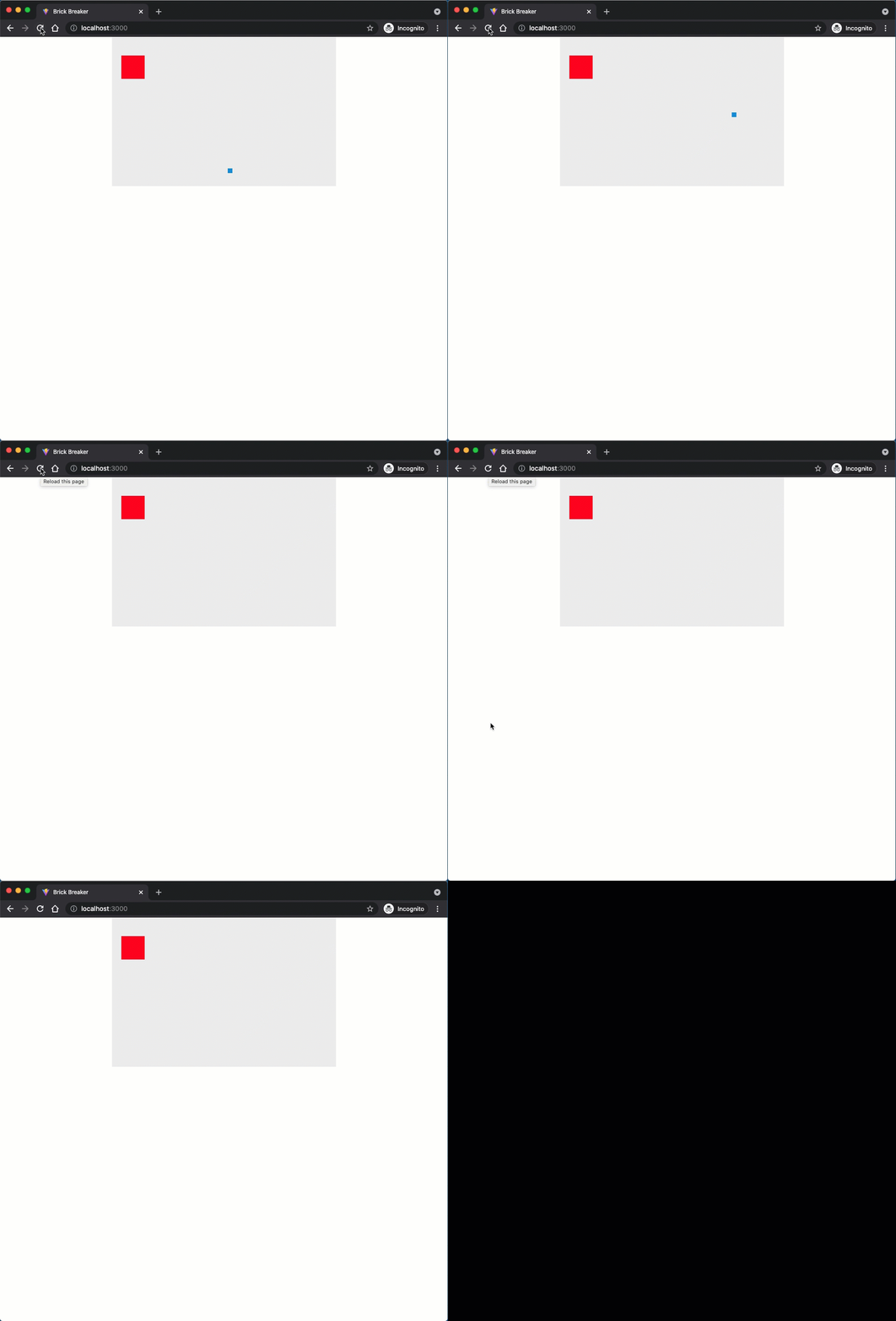
Save your code and look at the browser.
Reviewing the Full File
Your src/main.js should now look like this:
import "./style.css";
import Block from "./model/block.js";
import Sprite from "./model/sprite.js";

const canvas = document.getElementById("myCanvas");
const ctx = canvas.getContext("2d");

const redBlock = new Block(20, 40, 50, 50, "#FF0000");

const blueSprite = new Sprite(
  canvas.width / 2,
  canvas.height - 30,
  10,
  10,
  "#0095DD",
  2,
  -2,
);

function draw() {
  ctx.clearRect(0, 0, canvas.width, canvas.height);

  redBlock.draw(ctx);
  blueSprite.draw(ctx);
  blueSprite.move();

  window.requestAnimationFrame(draw);
}

draw();
Checkpoint: Commit your progress.
git add .
git commit -m "brick-06: Use Sprite class in main animation loop"
git push