Moving the Snake
Our snake is on the board, but it is not moving yet. To move it, let’s add a game loop. In the Brick Breaker project, we used requestAnimationFrame for smooth, continuous animation. Snake is different. It moves in discrete steps on a grid, so setInterval is a better fit.
Adding a Tick Rate
First, define a constant for how often the game updates. Add this near the top of src/main.js, below GRID_SIZE:
  const GRID_SIZE = 20;
+ const TICK_RATE = 150;
This means the game updates every 150 milliseconds — roughly 6-7 steps per second.
Tracking Direction
The snake needs to know which way it is heading. Add a direction vector below the snake array:
// Direction the snake is moving
let direction = { x: 1, y: 0 };
A direction of { x: 1, y: 0 } means “one cell to the right each step.” To move left, you’d use { x: -1, y: 0 }, up is { x: 0, y: -1 }, and down is { x: 0, y: 1 }.
The Update Function
Add an update function above draw:
function update() {
  // Calculate the new head position
  const head = snake[0];
  const newHead = {
    x: head.x + direction.x,
    y: head.y + direction.y,
  };

  // Add new head to the front
  snake.unshift(newHead);

  // Remove the tail
  snake.pop();
}
This is the standard snake movement algorithm:
- Calculate where the head should move by adding the direction to its current position.
- Insert the new head at the front of the array with
unshift. - Remove the last segment with
pop.
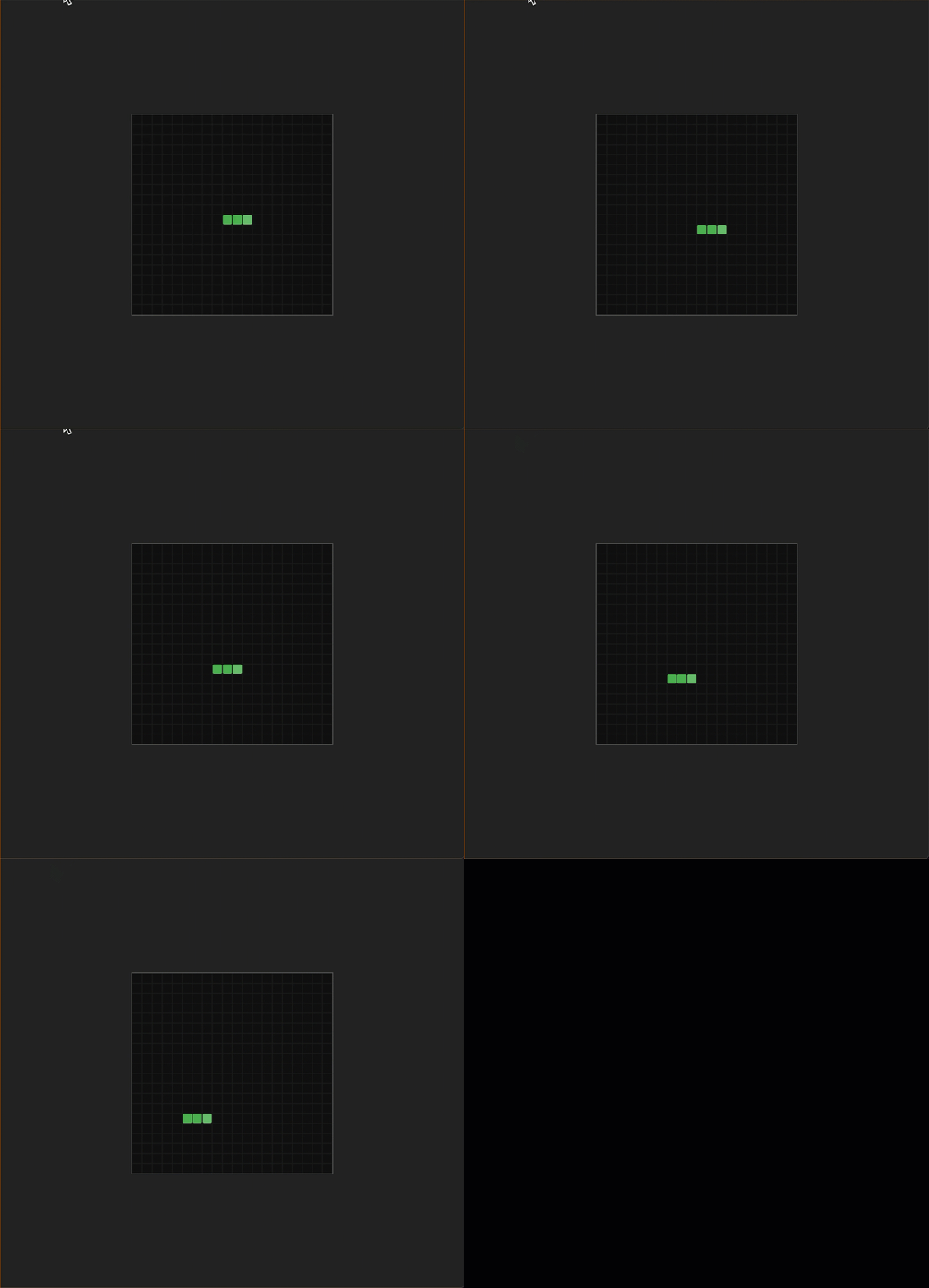
The result is that the snake appears to move forward. Every segment moves into the position of the one in front of it because the old head becomes the second segment, the old second segment becomes the third, and so on.
Starting the Game Loop
Replace the standalone draw() call at the bottom of the file with a game loop:
+ function gameLoop() {
+   update();
+   draw();
+ }

  draw();
+ setInterval(gameLoop, TICK_RATE);
We still call draw() once to render the initial state, then setInterval starts the loop. Every 150ms, the game updates the snake’s position and redraws the board.
Run the dev server and you should see the snake moving to the right. It will eventually slide off the edge of the board. We will fix that when we add collision detection later.
Checkpoint: Commit your progress.
git add .
git commit -m "snake-03: Add game loop and snake movement"
git push