Detecting Game Over
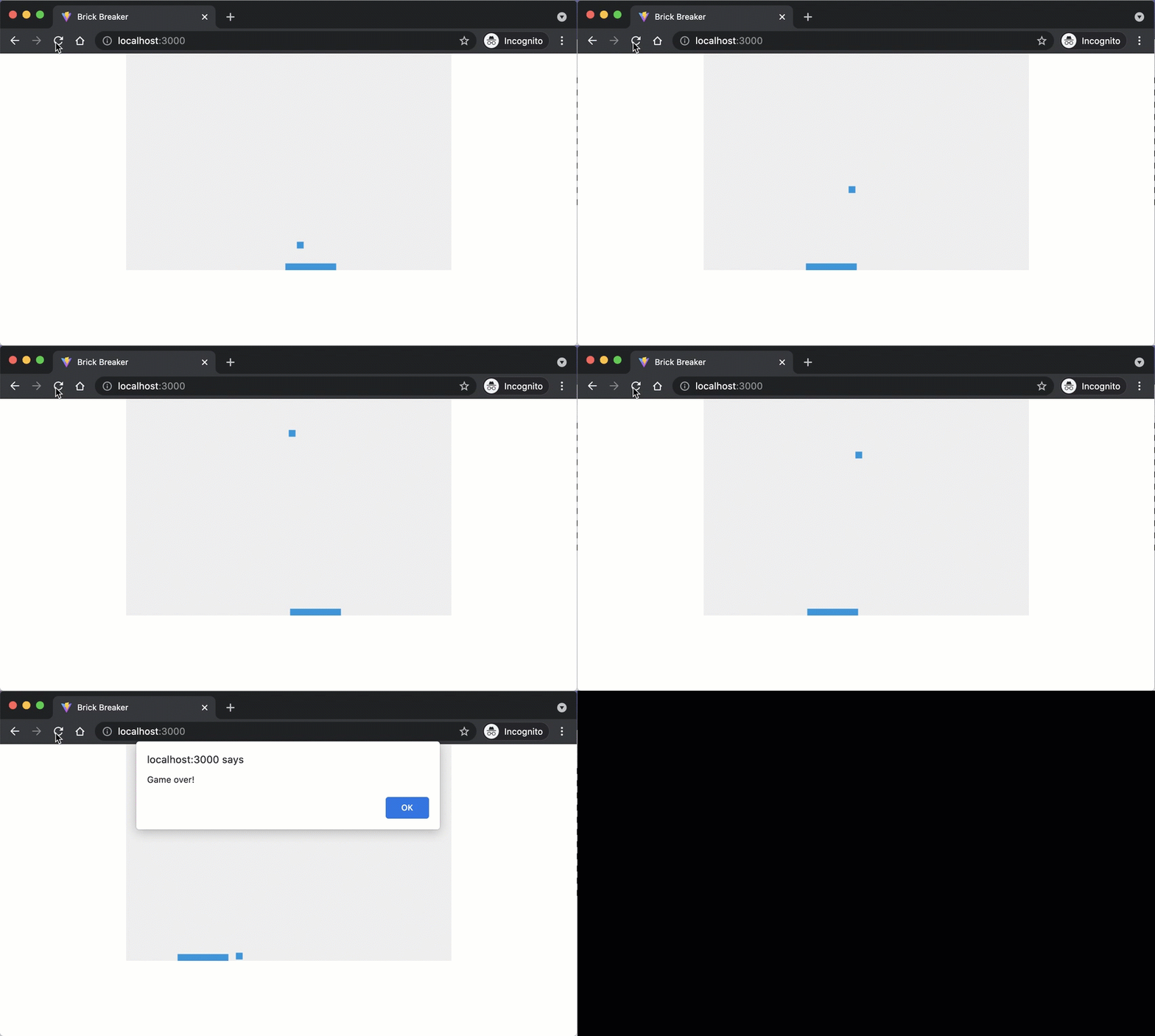
Right now, the ball bounces off all four edges of the canvas. In a real brick-breaker game, missing the ball should end the game. Let’s make the bottom edge end the game: if the ball falls past it, we stop the loop and show a “Game over!” alert.
Returning a Signal from bounce
Open ball.js and update the bounce method. Instead of bouncing off every edge, the ball should pass through the bottom. We use the return value as a signal: true means the ball is still in play, false means it falls through.
bounce(canvasWidth, canvasHeight) {
  if (this.x < 0 || this.x + this.width > canvasWidth) {
    // bounce off the left/right edges
    this.dx *= -1;  // switch direction
  }

  if (this.y < 0) {
    // bounce off the top edge
    this.dy *= -1;  // switch direction
  } else if (this.y + this.height > canvasHeight) {
    // fall through the bottom edge!
    return false;
  }

  return true;
}
The key change is the else if branch for the bottom edge: instead of reversing this.dy, we return false to tell the caller the ball is gone.
Stopping the Animation Loop
Now open src/main.js and use that return value to control the game loop:
+ let isGameOver = false;
  function draw() {
    ctx.clearRect(0, 0, canvas.width, canvas.height);

    ball.draw(ctx);
    ball.move();
-   ball.bounce(canvas.width, canvas.height);
+   isGameOver = !ball.bounce(canvas.width, canvas.height);

    paddle.draw(ctx);
    paddle.move(canvas.width);

    ball.collides(paddle);

-   window.requestAnimationFrame(draw);
+   if (!isGameOver) {
+     window.requestAnimationFrame(draw);
+   } else {
+     window.alert("Game over!");
+   }
  }
We store the result in an isGameOver flag. When the flag is true, we skip requestAnimationFrame and show an alert instead.
Save your code and look at the result in the browser.
Checkpoint: Commit your progress.
git add .
git commit -m "brick-12: Detect game over when ball falls through bottom edge"
git push