Using the Block Class
We have a Block class, but we are not using it yet. Let’s export it, import it into src/main.js, and replace our drawing code with a single line.
Exporting and Importing the Class
Add a default export at the end of block.js:
export default Block;
Then import it at the top of src/main.js:
import Block from "./model/block.js";
Replacing Procedural Code with an Object
Find the five lines that draw the red rectangle and replace them with a single object declaration:
- ctx.beginPath();
- ctx.rect(20, 40, 50, 50);  // x, y, width, height
- ctx.fillStyle = "#FF0000";
- ctx.fill();
- ctx.closePath();
+ const redBlock = new Block(20, 40, 50, 50, "#FF0000");
Drawing the Block
Inside the draw function, after the line that clears the canvas, add:
redBlock.draw(ctx);
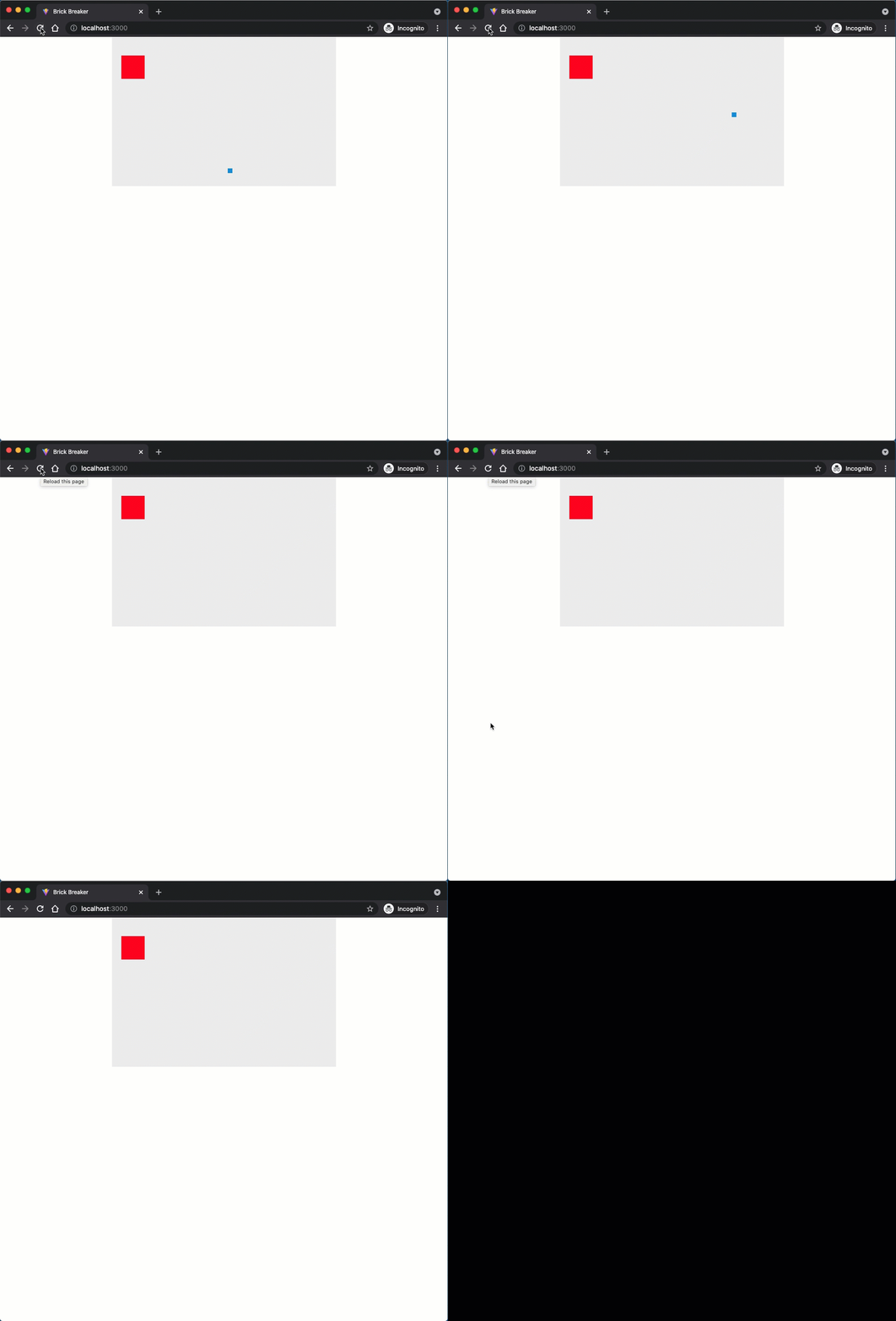
One method call replaces five lines of Canvas API code. Save your code and look at the result in the browser. The red block should appear exactly as before.
Checkpoint: Commit your progress.
git add .
git commit -m "brick-04: Use Block class instances in main.js"
git push