Drawing on the Canvas
Our Vite project is set up, but right now it is just a blank page. Let’s add a <canvas> element. The canvas is the HTML element we will draw the whole game on. In this section we will set up the HTML, reset the styles, and draw our first shape.
Setting Up the HTML
Update index.html to include a <canvas> element:
  <!DOCTYPE html>
  <html lang="en">
    <head>
      <meta charset="UTF-8" />
      <meta name="viewport" content="width=device-width, initial-scale=1.0" />
      <link rel="icon" type="image/png" href="favicon.png">
      <title>Brick Breaker</title>
    </head>
    <body>
+     <canvas id="myCanvas" width="480" height="320"></canvas>
      <script type="module" src="/src/main.js"></script>
    </body>
  </html>
The Canvas is an HTML element for drawing graphics with a script. We are only using it in a basic way here, but it can do complex 2D rendering, and 3D rendering too.
Styling the Canvas
Right now src/style.css is empty. Add the following styles, which center the canvas:
* {
  padding: 0;
  margin: 0;
}

canvas {
  background: #eee;
  display: block;
  margin: 0 auto;
}
Drawing a Rectangle
Replace the content of src/main.js with the following:
import "./style.css";

const canvas = document.getElementById("myCanvas");
const ctx = canvas.getContext("2d");

ctx.beginPath();
ctx.rect(20, 40, 50, 50);  // x, y, width, height
ctx.fillStyle = "#FF0000";
ctx.fill();
ctx.closePath();
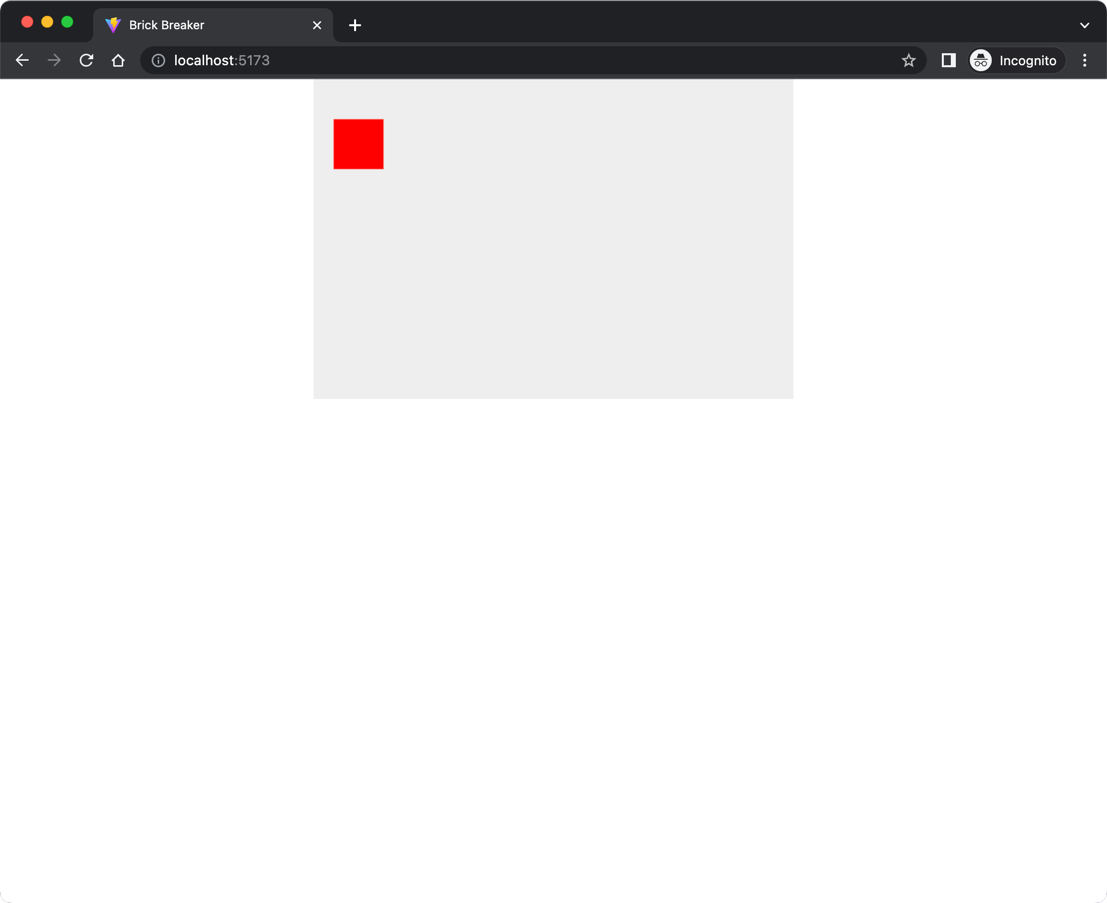
The script gets the <canvas> element and stores its 2D rendering context in a variable named ctx. The ctx object has the methods we use to draw on the canvas. The rest of the statements draw a red rectangle at the given coordinates and fill it with color.
Run the dev server and you should see something like this:
Checkpoint: Commit your progress.
git add .
git commit -m "brick-01: Add canvas element and draw first shape"
git push