Animating the Ball
Right now our canvas is static. It draws shapes once and stops. A game needs things to move, so let’s add an animation loop. We will move a small square across the screen, see why it leaves a trail behind it, and then fix that.
Creating the Animation Loop
Add the following to the end of src/main.js:
let x = canvas.width / 2;
let y = canvas.height - 30;
const dx = 2;
const dy = -2;

function draw() {
  ctx.beginPath();
  ctx.rect(x, y, 10, 10);
  ctx.fillStyle = "#0095DD";
  ctx.fill();
  ctx.closePath();
  x += dx;
  y += dy;

  window.requestAnimationFrame(draw);
}

draw();
The call to window.requestAnimationFrame(draw) tells the browser to call draw again before the next screen repaint – roughly 60 times per second. Each frame, we paint a blue square at (x, y) and then update those coordinates by dx and dy. So the square appears to move across the canvas.
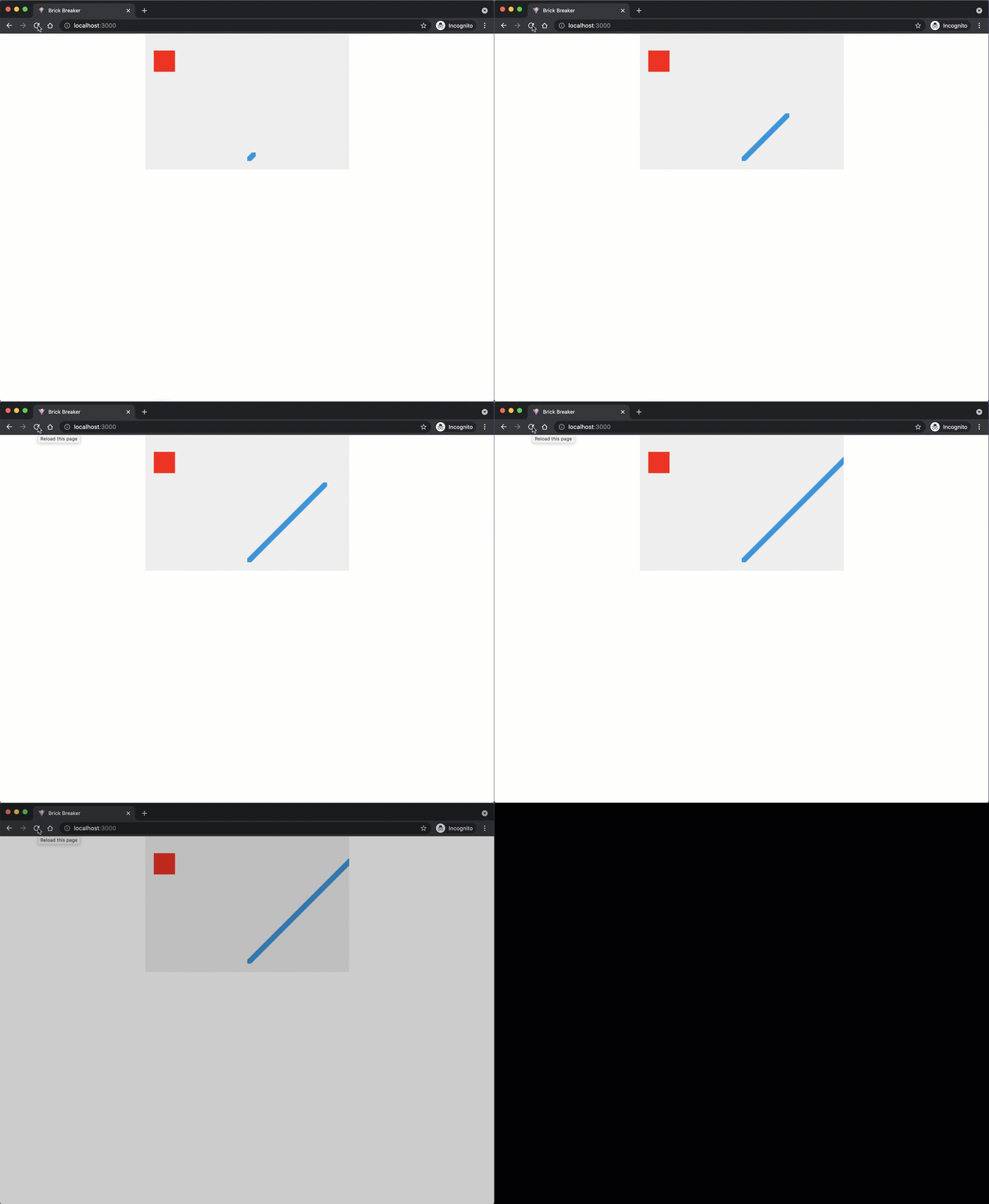
Fixing the Trail
The square leaves a trail because every frame paints a new square without erasing the previous ones. To fix this, we need to clear the entire canvas at the start of each frame.
Add clearRect as the first line inside the draw function:
  function draw() {
+   ctx.clearRect(0, 0, canvas.width, canvas.height);
    ctx.beginPath();
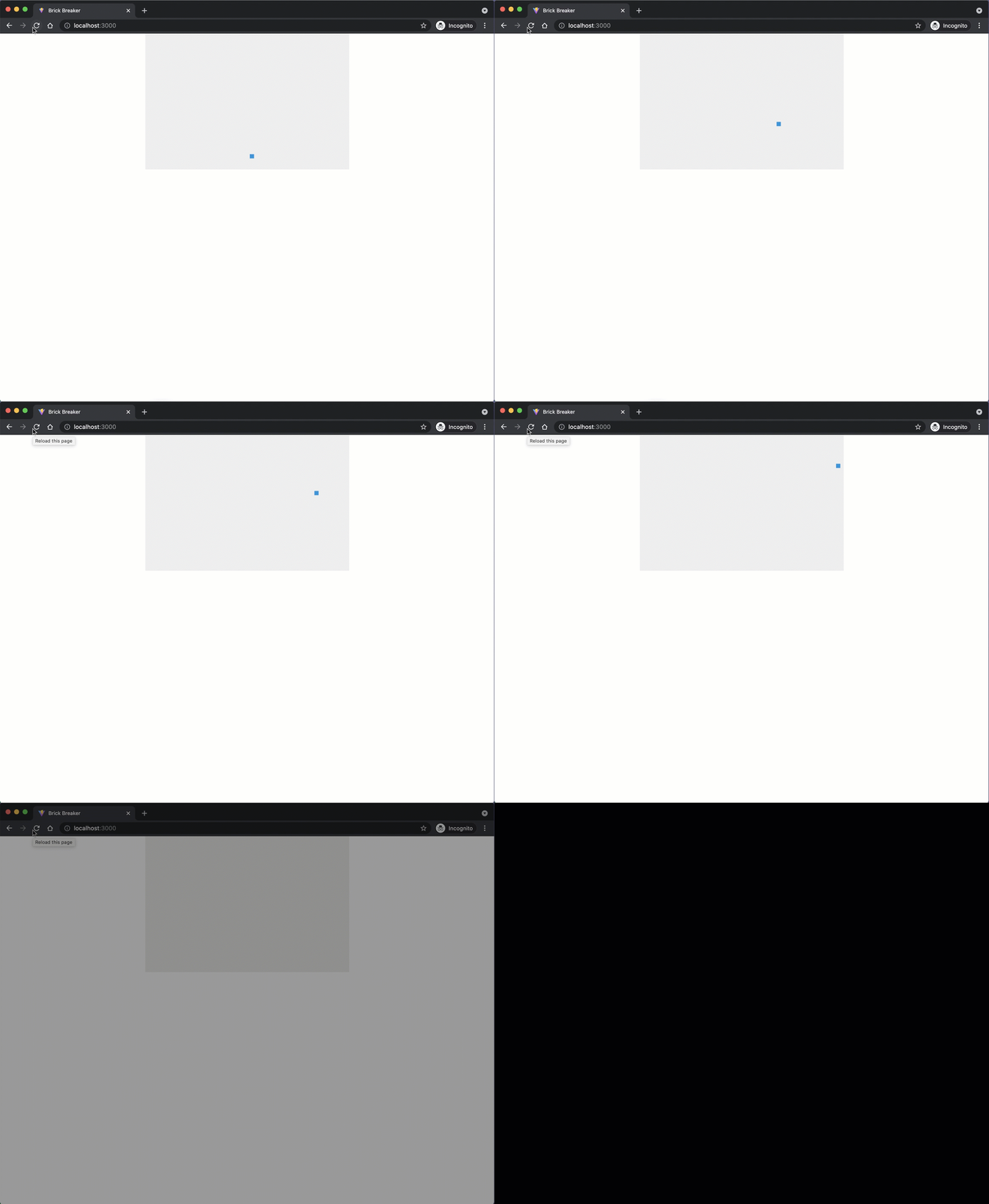
The trail is gone, and the square now moves across the canvas until it goes off the edge and out of view.
The Red Square Disappears
The red square from the previous section is gone. That is because it was drawn outside of the draw function. The very first call to clearRect erases it, and since nothing redraws it, it does not reappear. This happens so fast you never see it on screen. Later, we will move all of the drawing logic inside the animation loop so that nothing gets erased by accident.
Checkpoint: Commit your progress.
git add .
git commit -m "brick-02: Animate the ball with requestAnimationFrame"
git push