Hide Create Buttons from Unauthenticated Users
We do not want unauthenticated users to click buttons that will just throw errors. Wrap the button in <Authenticated> so it only renders when there is a signed-in user.
Update src/routes/index.tsx — add the import and wrap <CreateProjectDialog />:
import { Authenticated, usePaginatedQuery } from "convex/react";
// ... other imports ...

// inside the header row:
<div className="flex items-center gap-2">
  <ProjectSearch value={searchQuery} onChange={setSearchQuery} />
  <Authenticated>
    <CreateProjectDialog />
  </Authenticated>
</div>;
Similarly in src/components/kanban-board.tsx:
import { Authenticated, useQuery } from "convex/react";
// ... other imports ...

// where the "Add Issue" button was rendered:
<div className="mb-6 flex justify-end">
  <Authenticated>
    <AddIssueDialog projectId={projectId} />
  </Authenticated>
</div>;
We leave the rest of the components alone. The search box, the project list, the kanban columns, the issue cards, and the drag-and-drop handles all stay visible for everyone. That matches our “anyone can read” rule.
Try It Out
Reload the app in your browser. A few things to check:
-
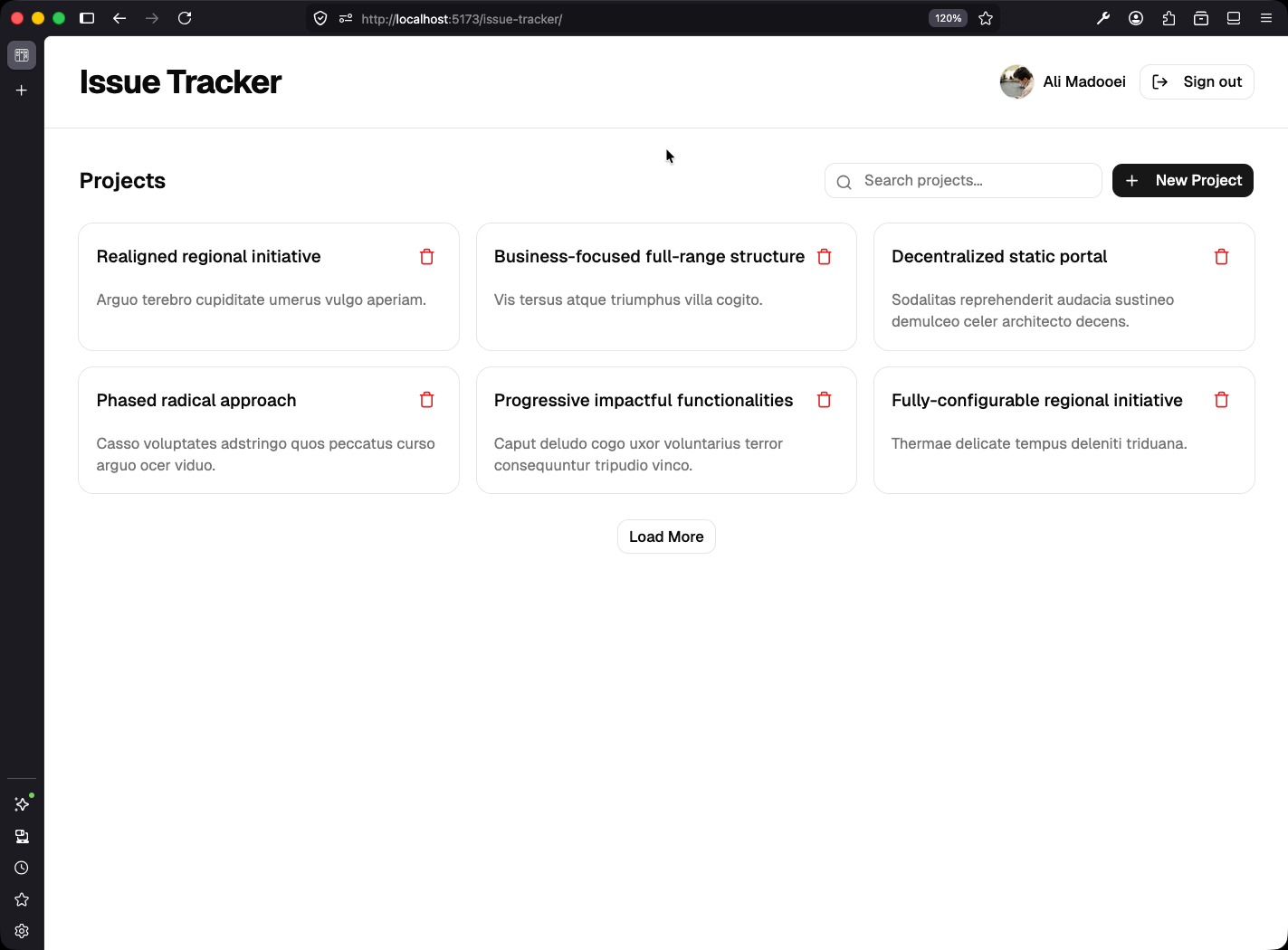
Signed in. The “New Project” and “Add Issue” buttons are visible. Create a project. It succeeds and you are navigated to its detail page. Create an issue on it. It appears in the To Do column immediately.
-
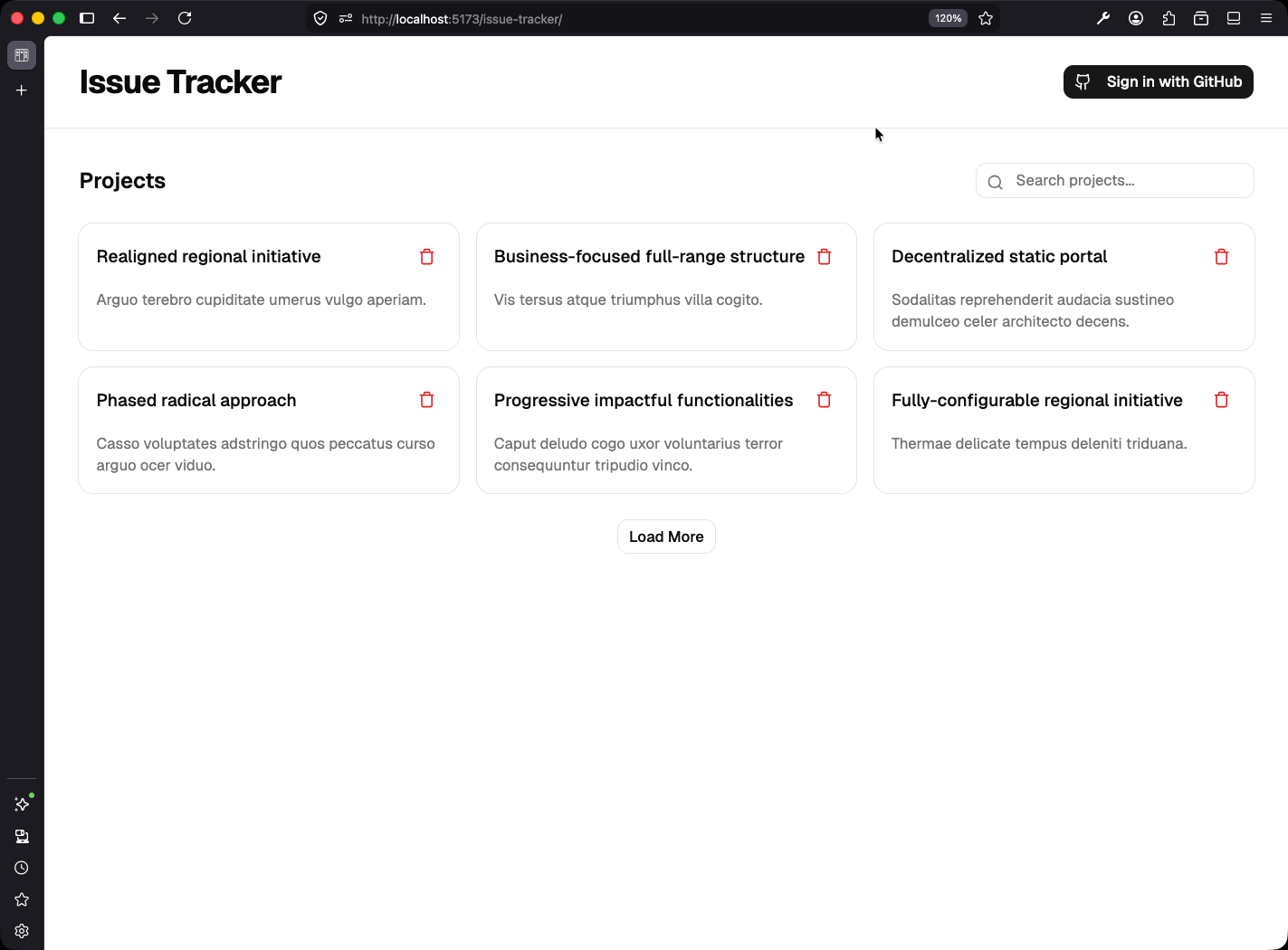
Signed out. Click Sign out. The “New Project” button disappears from the list page. Open an existing project’s detail page. The “Add Issue” button is gone, but all the existing issues are still visible, still drag-and-droppable (we will lock drag-and-drop down soon), still readable via the dropdown menus. That is the rule we set: anyone can read, and writing requires signing in.
Checkpoint: Commit your progress.
git add .
git commit -m "tracker-08: Hide create buttons from unauthenticated users"
git push