Collision Detection
Right now the snake can pass through walls and through itself, and nothing happens. Let’s add collision detection to end the game when the snake hits a wall or its own body.
The Collision Check
Add a checkCollision function below placeFood:
function checkCollision(position) {
  // Wall collision
  if (
    position.x < 0 ||
    position.x >= GRID_SIZE ||
    position.y < 0 ||
    position.y >= GRID_SIZE
  ) {
    return true;
  }

  // Self collision (check against all segments except the tail,
  // which will be removed this tick)
  for (let i = 0; i < snake.length - 1; i++) {
    if (snake[i].x === position.x && snake[i].y === position.y) {
      return true;
    }
  }

  return false;
}
The function checks two conditions:
- Wall collision: Is the position outside the grid boundaries?
- Self collision: Does the position overlap any existing snake segment?
We skip the last segment (snake.length - 1) in the self-collision check because that tail segment will be removed by pop() in the same tick. Without that, the snake would report a collision with a cell that the tail is about to leave.
Tracking Game State
Add two variables below the food declaration to track the game state:
// Game state
let gameOver = false;
let intervalId = null;
We need intervalId so we can stop the game loop when a collision occurs. Update the bottom of the file to store the interval ID:
- setInterval(gameLoop, TICK_RATE);
+ intervalId = setInterval(gameLoop, TICK_RATE);
Stopping the Game
Update the update function to check for collisions before moving:
  function update() {
    const head = snake[0];
    const newHead = {
      x: head.x + direction.x,
      y: head.y + direction.y,
    };

+   // Check for collisions
+   if (checkCollision(newHead)) {
+     gameOver = true;
+     clearInterval(intervalId);
+     return;
+   }

    snake.unshift(newHead);
When a collision is detected, we set gameOver to true, stop the interval, and return early. The snake freezes in place.
Visual Feedback
Add a game-over visual cue at the end of the draw function:
    });
+
+   // Show game over overlay
+   if (gameOver) {
+     board.classList.add("game-over");
+   }
  }
And the corresponding CSS in src/style.css:
#board.game-over {
  opacity: 0.5;
}
The board fades when the game ends, so the player can tell the game is over.
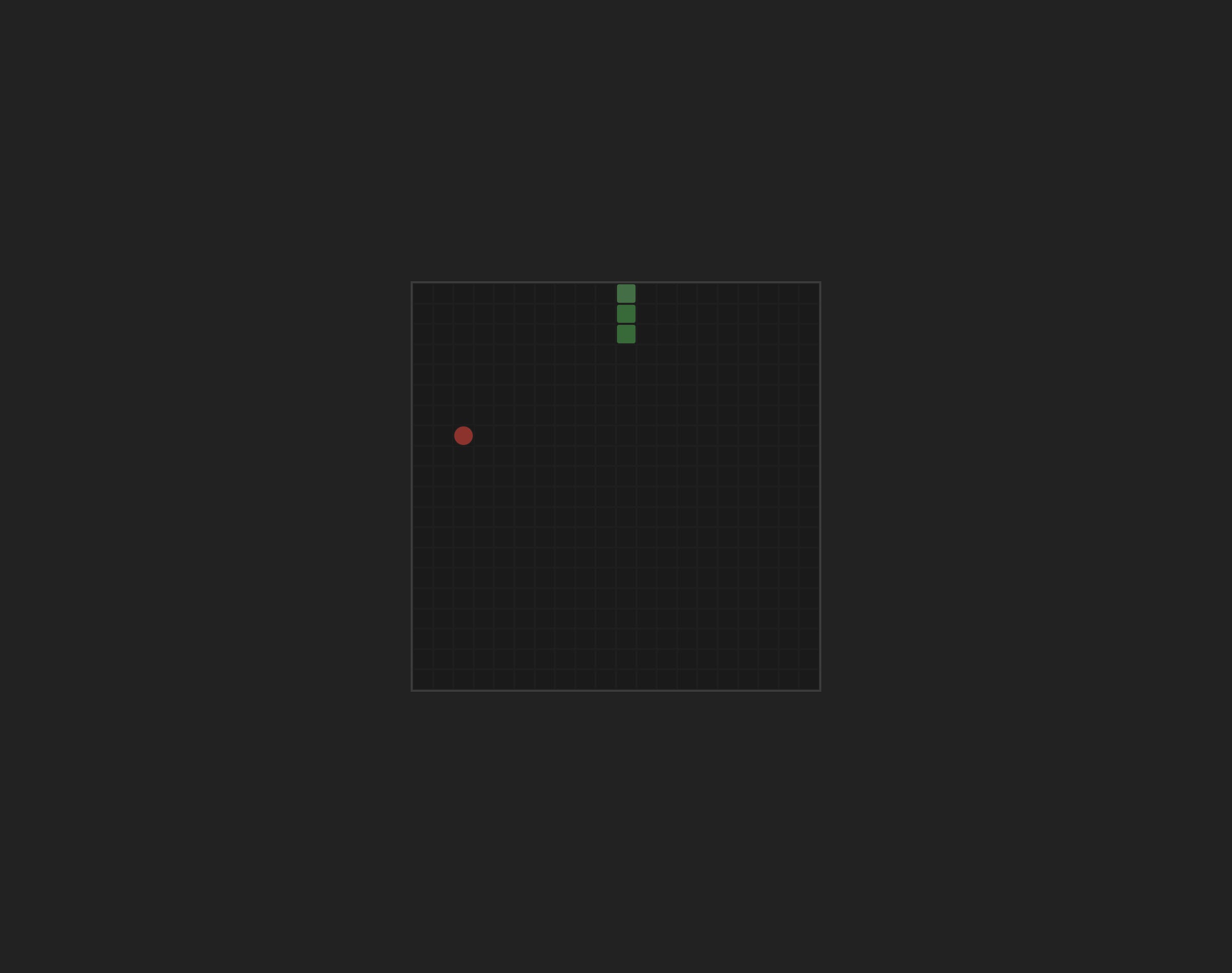
Run the dev server and try crashing into a wall or steering the snake into its own body. The game should freeze and the board should dim:
Checkpoint: Commit your progress.
git add .
git commit -m "snake-06: Add wall and self collision detection"
git push