Rock Paper Scissors
We are building a “Rock, Paper, Scissors” game. You play against the computer.
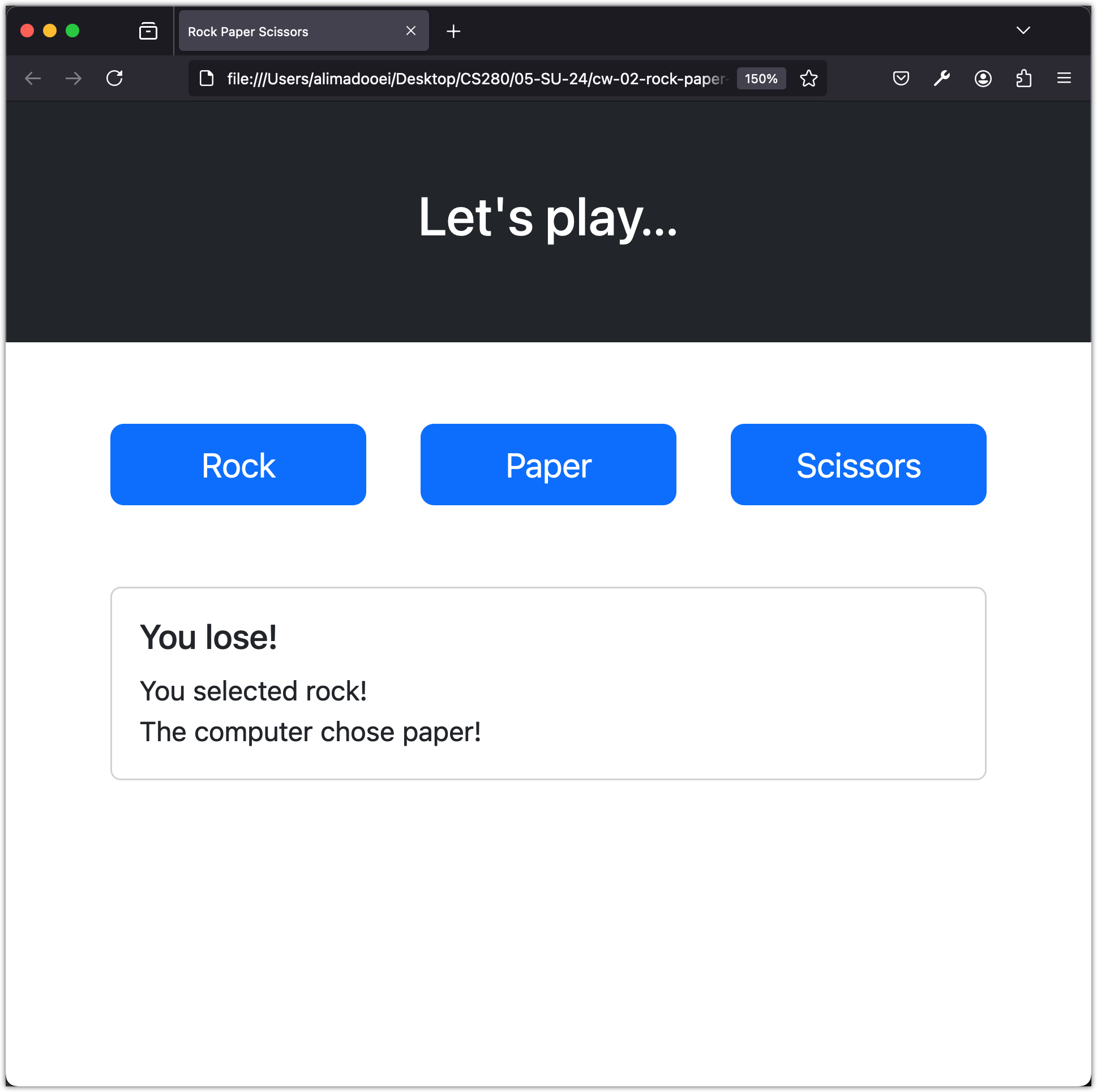
The game has three buttons, one for each move you can pick. When you click a button, JavaScript picks the computer’s move at random, works out who won, and displays the result on the page. We will use the Bootstrap framework to style the page and make it work on different screen sizes.
Getting Started
Go to the rock-paper-scissors-app repository and click "Use this template" → "Create a new repository" to create your own copy.
Clone your repository to your computer:
git clone <your-repo-url> rock-paper-scissors-app
cd rock-paper-scissors-app
code .
If you get stuck at any point, you can view the complete solution on the master branch of the original repository.
Learning Outcomes
- Build a static web page with HTML and style it responsively using the Bootstrap framework
- Use Bootstrap’s layout, grid, and component classes to structure and polish a user interface
- Wire up JavaScript event listeners and DOM manipulation to implement interactive game logic
- Deploy a static website to GitHub Pages