Attach Files with #-Mentions
In the last section we asked Copilot for a tour. The prompt was broad, so Copilot decided on its own which files to look at. When you want to ask about one specific file, you have two options. You can let Copilot guess which file you mean, and it might guess wrong. Or you can tell it exactly which file. Telling it explicitly is called a #-mention.
Attach a File
Let’s ask Copilot about src/store/game-store.ts. That file came up in the tour as “where state lives,” and we want to see how this particular store is structured. What state does it hold? What actions does it expose? How does the rest of the app plug into it?
In the Chat view input box, type #. A picker appears with the kinds of things you can attach. Start typing game-store. Pick the match from the list.
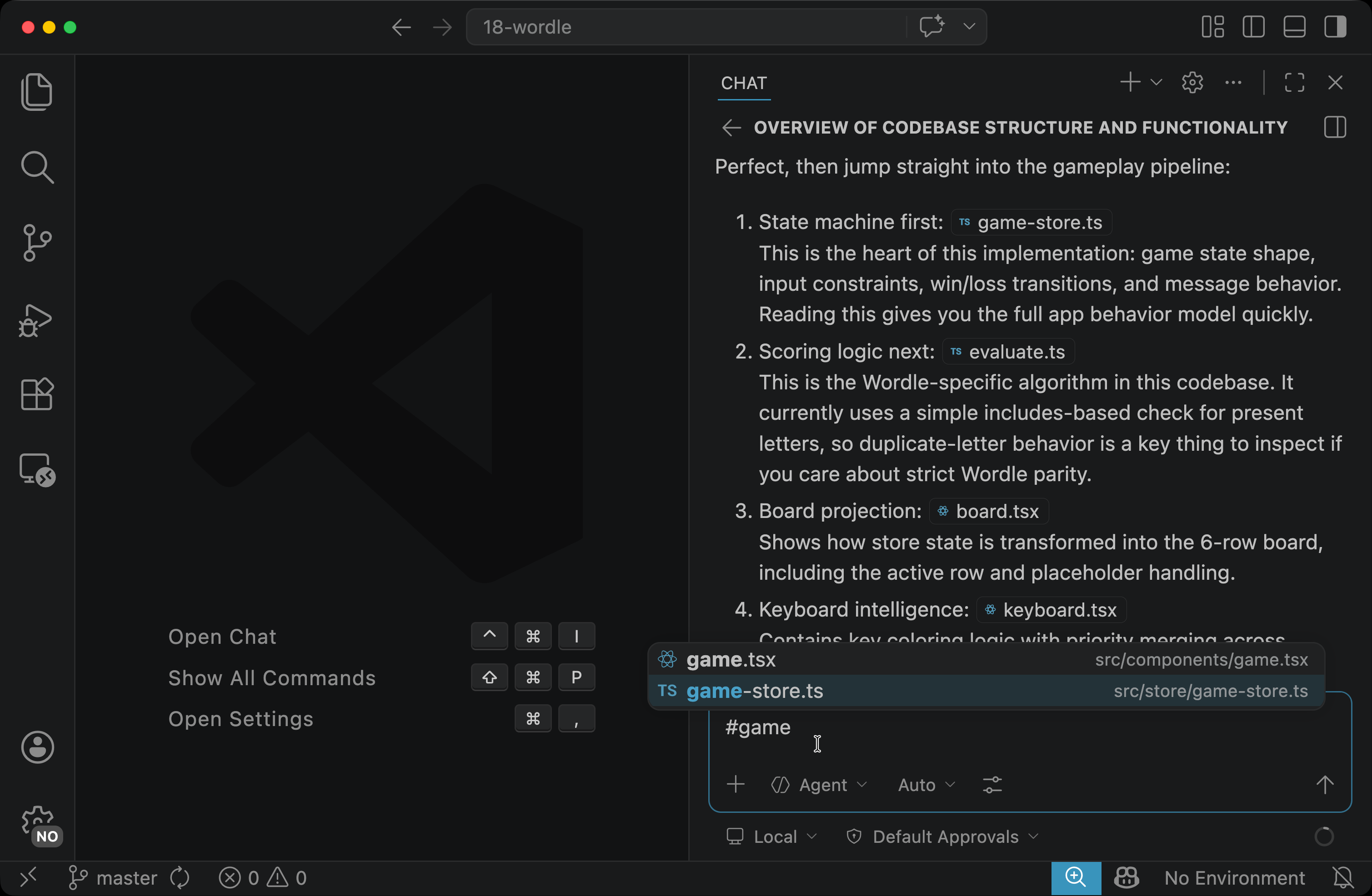
The mention becomes a chip inside the input box. After it, write your question:
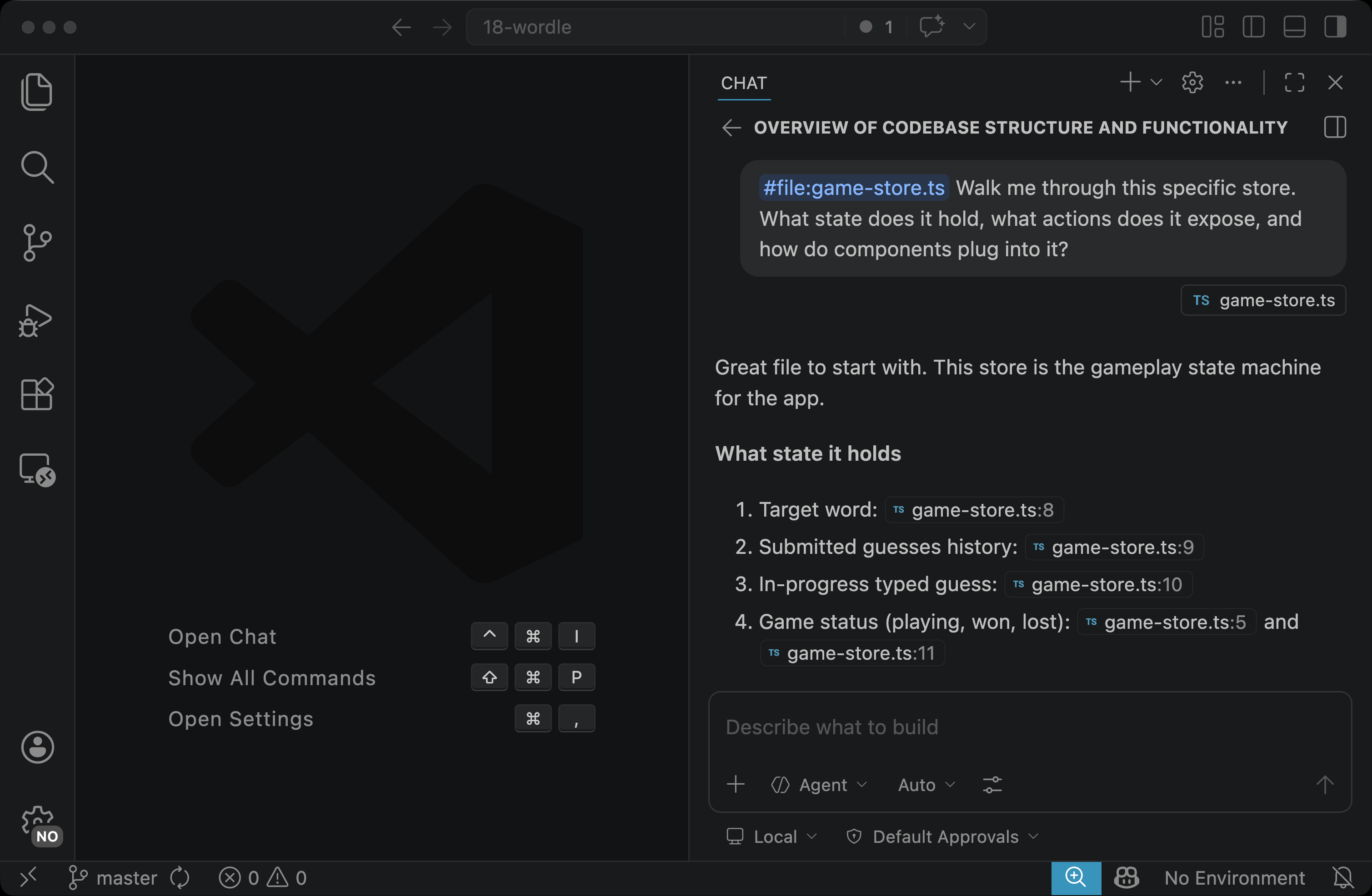
#file:game-store.ts Walk me through this specific store. What state does it hold, what actions does it expose, and how do components plug into it?
Send the prompt. Copilot’s answer is now grounded in that exact file.
Using #file: Instead of Plain English
You can write “explain game-store.ts” without an attachment, and most of the time Copilot will figure out which file you mean. Two reasons to use #file: anyway:
- It is unambiguous. Real codebases often have several files with similar names (a
store.tsin different folders,index.tseverywhere). The mention picks one by path, not by guess. - It limits what is in scope. Copilot treats the attached file as primary context, not as a hint to go searching. The answer stays focused on the file you care about.