Counter Layout in React
Let’s rebuild our counter in React. We will work directly in App and build up the functionality step by step. First, let’s get the layout right.
The Static Layout
Replace the contents of src/App.jsx with:
import "./App.css";
export default function App() {
return (
<div className="counter">
<h1>Count: 0</h1>
<button>+</button>
<button>−</button>
<button>Reset</button>
</div>
);
}
Replace the contents of src/App.css with the same styles from our vanilla counter:
body {
  font-family: sans-serif;
  display: flex;
  justify-content: center;
  align-items: center;
  min-height: 100vh;
  margin: 0;
  background: #f5f5f5;
}

.counter {
  text-align: center;
}

.counter h1 {
  font-size: 4rem;
  margin: 0 0 1rem;
}

button {
  padding: 0.5rem 1.5rem;
  font-size: 1.2rem;
  border: 1px solid #ccc;
  border-radius: 4px;
  background: white;
  cursor: pointer;
  margin: 0 0.25rem;
}

button:hover {
  background: #eee;
}
Your app should now look like this:
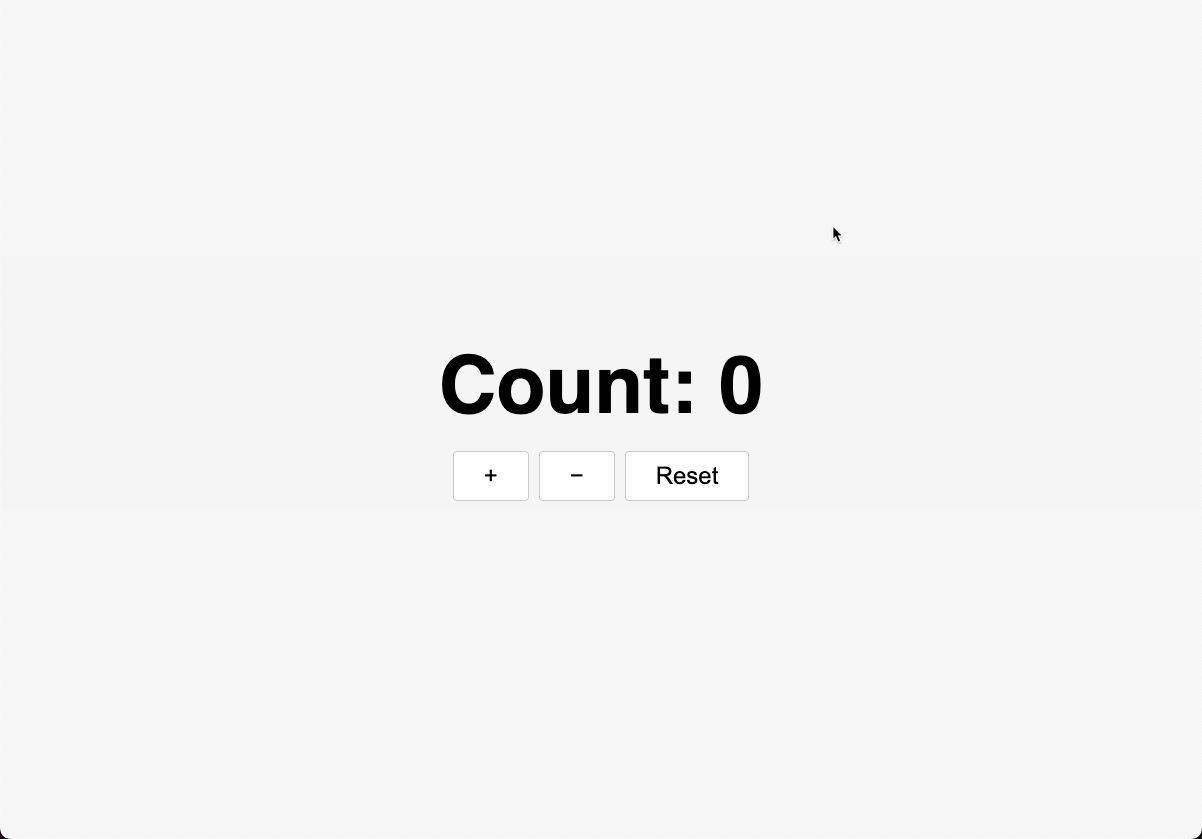
Notice how similar the JSX is to the innerHTML version. There are two differences:
- We use
classNameinstead ofclassbecauseclassis a reserved word in JavaScript. - We do not need
idattributes on the elements. In the vanilla version, we addedid="increment",id="decrement", etc. so we could find them withgetElementByIdand attach event listeners. In React, we attach event handlers directly in JSX (as we will see shortly), so there is no need to label elements just to reference them later.
JSX Interpolation
Instead of hardcoding 0, we can use a variable and embed it in JSX using curly braces. This is similar to ${count} in template strings, but inside JSX:
import "./App.css";
export default function App() {
const count = 0;
return (
<div className="counter">
<h1>Count: {count}</h1>
<button>+</button>
<button>−</button>
<button>Reset</button>
</div>
);
}
Anything inside {} in JSX is evaluated as JavaScript. That can be a variable, math such as {2 + 2}, a function call, or any other expression.
Checkpoint: Commit your progress.
git add .
git commit -m "counter-04: Create counter layout with JSX"