Clamping the Paddle to the Canvas
Right now the paddle can move right off the edges of the canvas. We need to keep it inside the canvas. We will do that by overriding the move method in the Paddle class and clamping the paddle’s position to the canvas width.
Overriding the Paddle’s move Method
Add the following move method to your Paddle class:
move(canvasWidth) {
  super.move();
  if (this.x < 0) {
    this.x = 0;
  } else if (this.x + this.width > canvasWidth) {
    this.x = canvasWidth - this.width;
  }
}
After super.move() updates the position, we clamp the x coordinate. If the paddle has moved past the left edge (this.x < 0), we snap it back to 0. If it has moved past the right edge, we snap it so its right side lines up exactly with the canvas boundary.
Overriding vs. Overloading
Notice that the parent’s move takes no parameters while our paddle’s move accepts canvasWidth. This might look like method overloading (same name, different parameters), but JavaScript does not support overloading. You can call any function with fewer or more arguments than it declares, so there is only one version of a method per name on a given object. What we have here is still method overriding. The subclass replaces the parent’s method with its own.
Passing the Canvas Width
Update the call in src/main.js so the paddle receives the canvas width:
- paddle.move();
+ paddle.move(canvas.width);
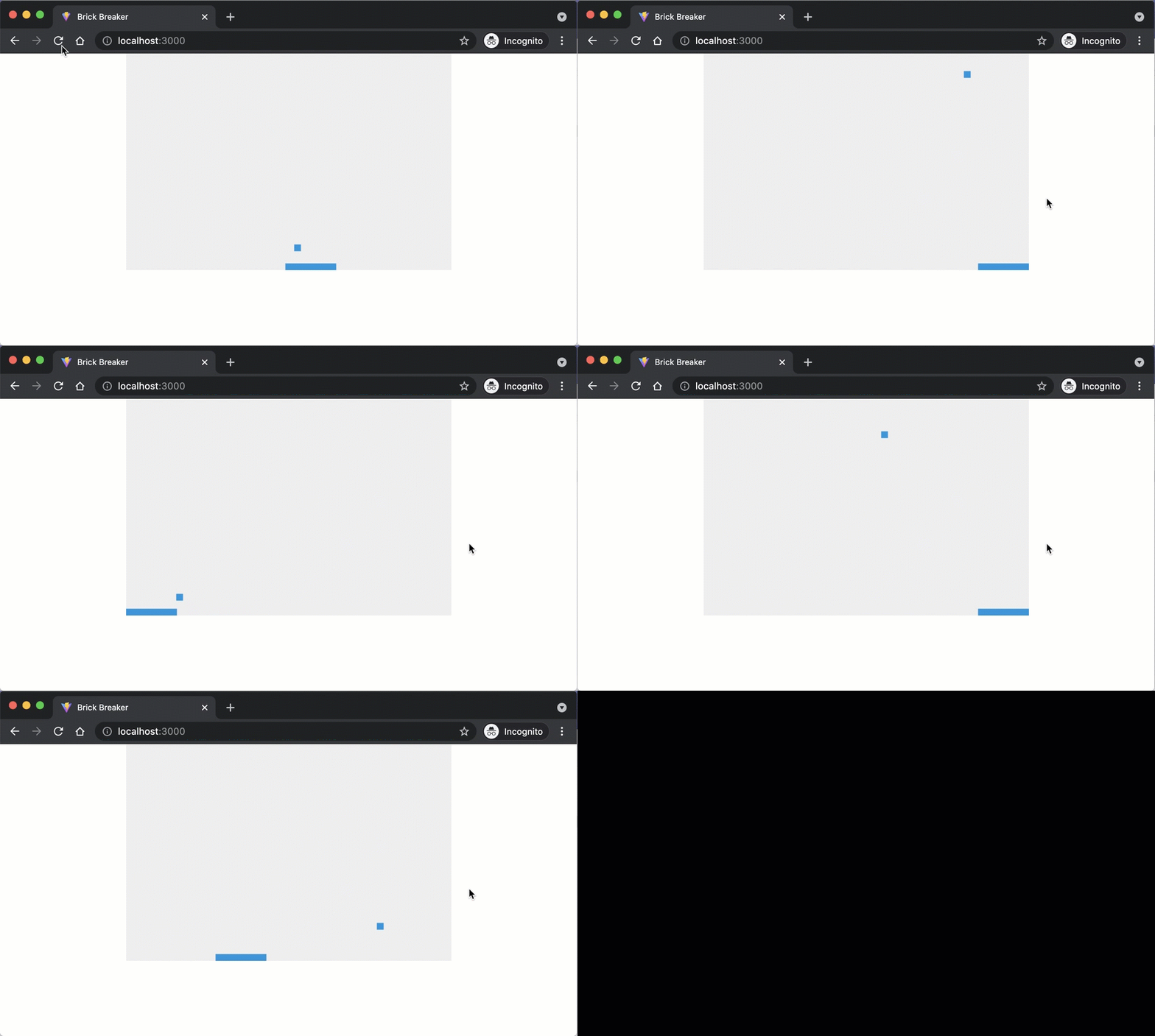
Save your code and observe the changes in the browser. The paddle should now stop at both edges.
Checkpoint: Commit your progress.
git add .
git commit -m "brick-10: Clamp paddle movement to canvas bounds"
git push