State with useState
Changing a local variable does not update the UI. React needs its own way to track data that changes, and that way is the useState hook.
Adding useState
Update src/App.jsx:
import "./App.css";
import { useState } from "react"; // 👀 Import useState

export default function App() {
  const [count, setCount] = useState(0); // 👀 Replace let count = 0

  function increment() {
    setCount(count + 1); // 👀 Use setCount instead of count =
  }

  function decrement() {
    setCount(count - 1);
  }

  function reset() {
    setCount(0);
  }

  return (
    <div className="counter">
      <h1>Count: {count}</h1>
      <button onClick={increment}>+</button>
      <button onClick={decrement}>−</button>
      <button onClick={reset}>Reset</button>
    </div>
  );
}
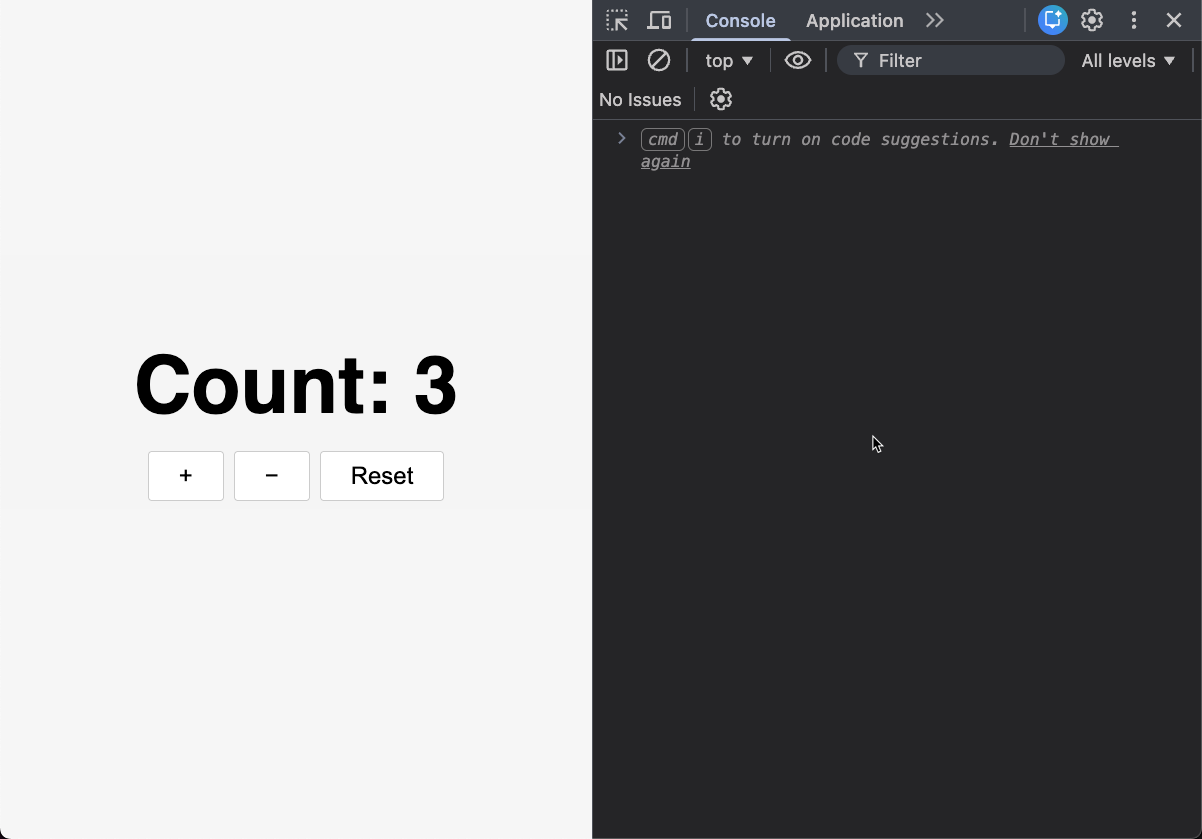
Click the buttons. The counter works.
How useState Works
const [count, setCount] = useState(0);
useState(0)creates a piece of state initialized to0- It returns an array with two items: the current value (
count) and a function to update it (setCount) - The syntax
const [count, setCount] = ...is array destructuring
When we call setCount(newValue), two things happen:
- React stores the new value
- React re-runs the component function with the updated value
The UI updates on its own because React re-renders the component. That is what UI = f(state) means here. We update the state, and React takes care of the UI.
The handlers only update state. We do not write an updateCounter() function, we do not call getElementById, and we do not change the DOM ourselves. React keeps the UI in sync.
Checkpoint: Commit your progress.
git add .
git commit -m "counter-06: Add state with useState"