Keeping Score
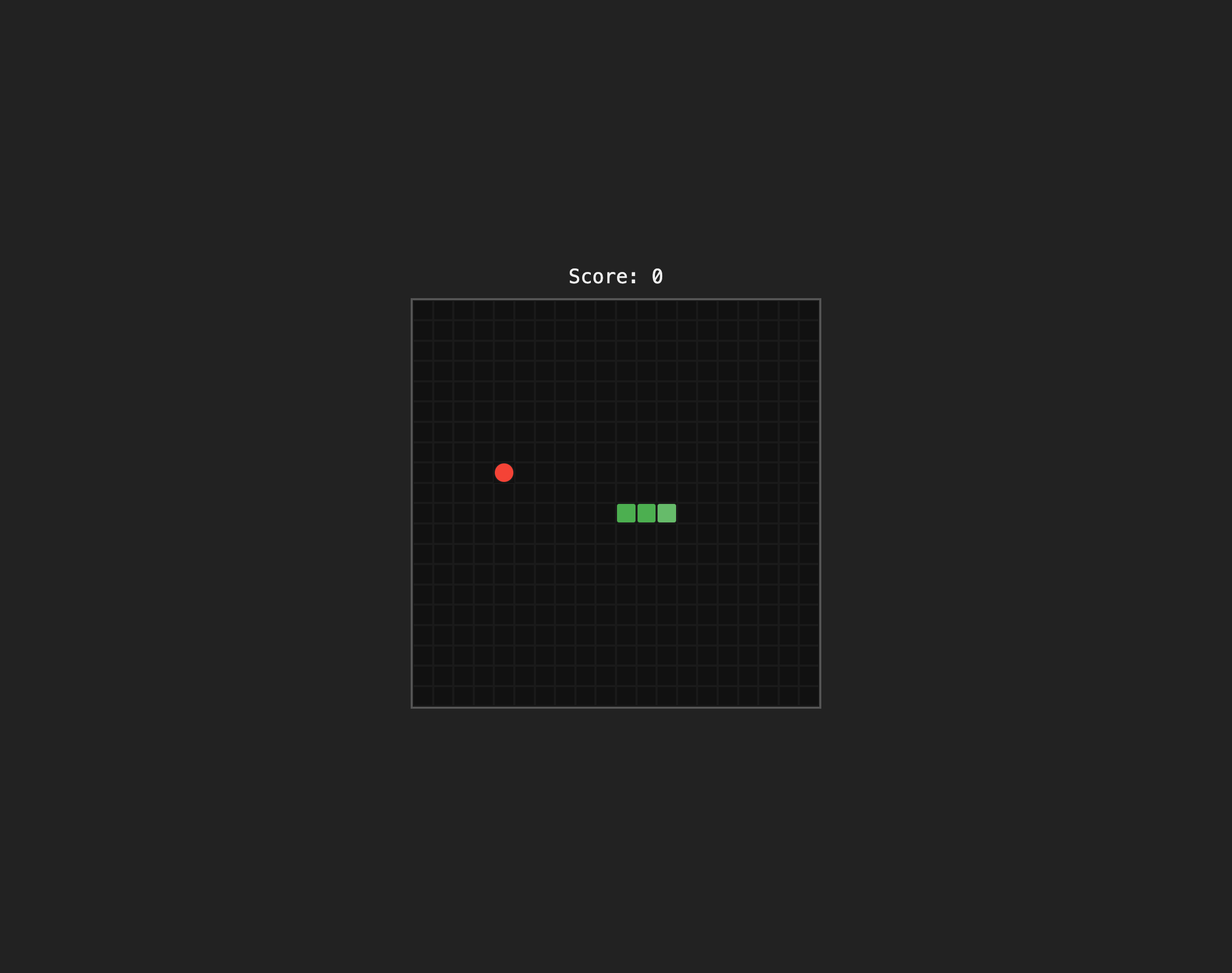
The snake eats and grows, but the game does not keep score. Let’s add a score display above the board.
Adding the Score Element
Update index.html to wrap the board in a container and add a score display:
  <body>
-   <div id="board"></div>
+   <div id="game">
+     <div id="score">Score: 0</div>
+     <div id="board"></div>
+   </div>
    <script type="module" src="/src/main.js"></script>
  </body>
The #game wrapper will use flexbox to stack the score and board vertically. The score starts at 0 and we will update it from JavaScript whenever the snake eats food.
Styling the Score
Add styles for the new elements in src/style.css. Replace the body rule and add new rules for #game and #score:
  body {
    display: flex;
    justify-content: center;
    align-items: center;
    min-height: 100vh;
    background: #222;
  }

+ #game {
+   display: flex;
+   flex-direction: column;
+   align-items: center;
+   gap: 10px;
+ }
+
+ #score {
+   color: #eee;
+   font-family: monospace;
+   font-size: 1.2rem;
+ }

  #board {
Tracking the Score
In src/main.js, add a score variable and a reference to the score element:
  // Game state
+ let score = 0;
  let gameOver = false;
  let intervalId = null;

+ const scoreDisplay = document.getElementById("score");
Then update the score when the snake eats food inside the update function:
  if (newHead.x === food.x && newHead.y === food.y) {
    // Don't remove the tail — the snake grows
+   score += 10;
+   scoreDisplay.textContent = `Score: ${score}`;
    food = placeFood();
  } else {
Each piece of food is worth 10 points. We update the DOM directly with textContent.
Run the dev server and eat some food. The score above the board should increase by 10 each time:
Checkpoint: Commit your progress.
git add .
git commit -m "snake-07: Add score display"
git push