Creating a Bouncing Ball
Our Sprite class handles drawing and movement, but a ball in a brick-breaker game needs one more behavior: it should bounce off the edges of the canvas. Let’s create a Ball class that extends Sprite and adds this logic.
Extending Sprite with a Ball Class
Create a new file src/model/ball.js:
import Sprite from "./sprite.js";

class Ball extends Sprite {
  constructor(x, y, width, height, color, dx, dy) {
    super(x, y, width, height, color, dx, dy);
  }

  bounce(canvasWidth, canvasHeight) {
    // TODO  Implement me!
  }
}

export default Ball;
The Ball class inherits everything from Sprite: drawing, movement, and all the properties. The constructor passes its arguments to the parent constructor with super(). The one new thing is the bounce method, which we will fill in next.
Implementing Edge Detection
To bounce, we check whether the ball has reached any edge of the canvas. If it has, we reverse the corresponding velocity component. Start with the skeleton:
bounce(canvasWidth, canvasHeight) {
  if (this.x < 0) {
    // bounce  off the left edge
  } else if (this.x > canvasWidth) {
    // bounce  off the right edge
  }

  if (this.y < 0) {
    // bounce  off the top edge
  } else if (this.y > canvasHeight) {
    // bounce  off the bottom edge
  }
}
Hitting a left or right edge means the horizontal direction (dx) should flip. Hitting a top or bottom edge means the vertical direction (dy) should flip. Multiplying by -1 reverses the sign:
bounce(canvasWidth, canvasHeight) {
  if (this.x < 0) {
    this.dx *= -1;  // 👀 reverse horizontal direction
  } else if (this.x > canvasWidth) {
    this.dx *= -1;
  }

  if (this.y < 0) {
    this.dy *= -1;  // 👀 reverse vertical direction
  } else if (this.y > canvasHeight) {
    this.dy *= -1;
  }
}
Wiring the Ball into the Game Loop
Open src/main.js and replace its content with:
import "./style.css";
import Ball from "./model/ball.js";

const canvas = document.getElementById("myCanvas");
const ctx = canvas.getContext("2d");

const ball = new Ball(
  canvas.width / 2,
  canvas.height - 30,
  10,
  10,
  "#0095DD",
  2,
  -2,
);

function draw() {
  ctx.clearRect(0, 0, canvas.width, canvas.height);

  ball.draw(ctx);
  ball.move();
  ball.bounce(canvas.width, canvas.height);

  window.requestAnimationFrame(draw);
}

draw();
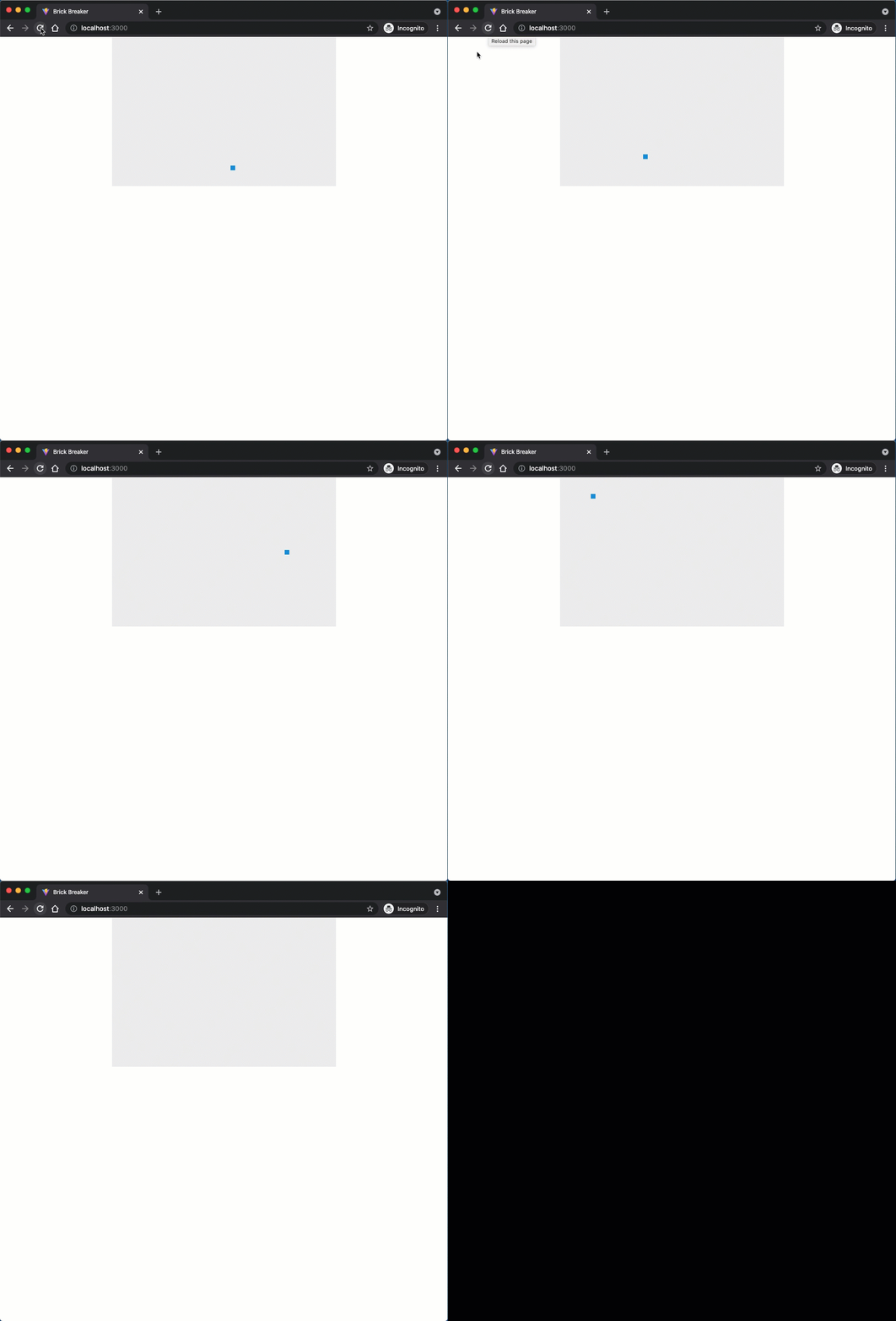
Each frame, we clear the canvas, draw the ball, move it, and check for bounces, and then we request the next frame. Save your code and watch the ball bounce around the canvas.
Checkpoint: Commit your progress.
git add .
git commit -m "brick-07: Add Ball class with edge bouncing"
git push