WakeUp Times
We are building a web app that suggests optimal wake-up times based on sleep cycles.
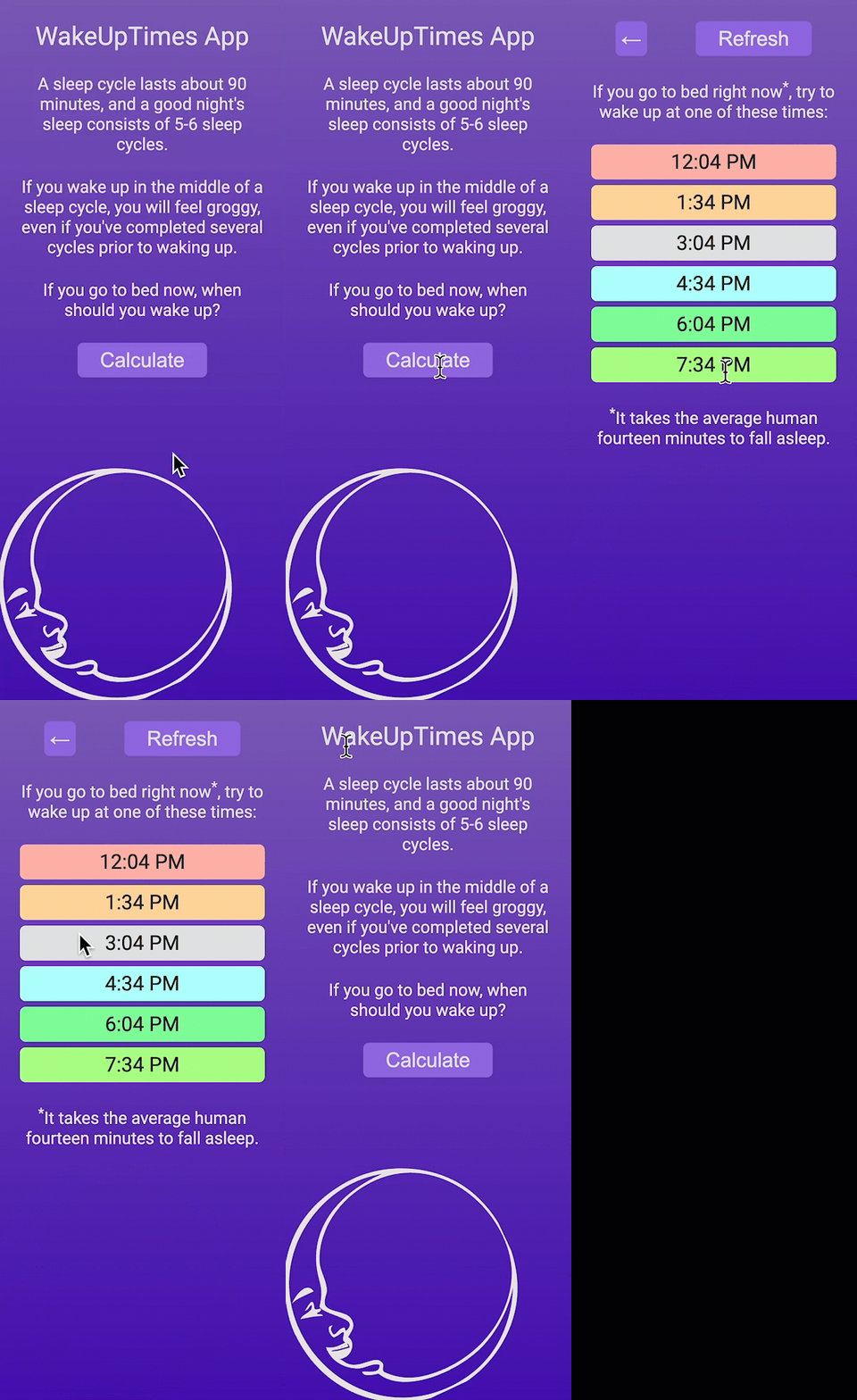
A sleep cycle lasts about 90 minutes, and a good night’s sleep consists of 5-6 complete cycles. If you wake up in the middle of a cycle, you will feel groggy, even if you have slept for hours. Our app calculates when each cycle ends so you can wake up feeling refreshed.
The Three Core Technologies
Web applications are built with three technologies:
| Technology | Purpose |
|---|---|
| HTML | Structure and content |
| CSS | Visual styling and layout |
| JavaScript | Interactivity and behavior |
You already know JavaScript. In this chapter, you will learn how these three technologies work together in the browser.
Getting Started
Go to the wakeuptimes-app repository and click “Use this template” → “Create a new repository” to create your own copy. This gives you a GitHub repo with a README, .gitignore, and the image assets (moon.png and favicon.png) already set up.
Clone your repository to your computer:
git clone <your-repo-url> wakeuptimes-app
cd wakeuptimes-app
code .
Your folder should look like this:
wakeuptimes-app/
├── .gitignore
├── README.md
├── favicon.png
└── moon.png
If you get stuck at any point, you can view the complete solution on the master branch of the original repository.
Learning Outcomes
- Build a complete web application by structuring content with HTML, styling it with CSS, and adding behavior with JavaScript
- Manipulate the DOM to create, modify, and display elements dynamically based on JavaScript logic
- Use the Date object and step-by-step function design to perform practical calculations in JavaScript
- Organize a project by separating HTML, CSS, and JavaScript into linked external files
- Apply CSS selectors and layout techniques to produce a polished, professional visual design
- Deploy a static web application to GitHub Pages so it is accessible on the internet