Connect components with props
The dropdown shows all the countries and the cards show real data, but the two are not connected yet. Selecting a different country does not update the statistics. To fix that, we need to share the selected country code between SelectCountry and DisplayStatistics. As you learned in the Dice Roller, the way to share data between components is through props.
Accepting a countryCode prop in DisplayStatistics
Instead of always fetching US data, let’s make DisplayStatistics accept a countryCode prop and fetch data for whatever country it receives.
Update src/components/display-statistics.tsx:
import { Card, CardContent, CardHeader, CardTitle } from "@/components/ui/card";
import { Avatar, AvatarFallback, AvatarImage } from "@/components/ui/avatar";
import { useEffect, useState } from "react";
import type { CovidData } from "@/types/covid";
import { fetchCovidData } from "@/services/disease";

const STATISTICS: (keyof CovidData)[] = ["confirmed", "active", "recovered"];

// 👀 Define the props this component accepts
type DisplayStatisticsProps = {
  countryCode: string;
};

// 👀 Destructure countryCode from props
const DisplayStatistics = ({ countryCode }: DisplayStatisticsProps) => {
  const [covidData, setCovidData] = useState<CovidData | null>(null);

  useEffect(() => {
    fetchCovidData(countryCode).then((data) => setCovidData(data));
  }, [countryCode]);  // 👀 Re-fetch whenever countryCode changes

  return (
    <div className="flex w-full justify-between flex-col sm:flex-row gap-5">
      {STATISTICS.map((statistic) => (
        <Card className="w-full" key={statistic}>
          <CardHeader>
            <CardTitle className="capitalize">{statistic}</CardTitle>
          </CardHeader>
          <CardContent className="flex justify-end items-center gap-2">
            <Avatar>
              <AvatarImage src={covidData?.countryFlag} />
              <AvatarFallback>
                {covidData?.countryCode.toUpperCase()}
              </AvatarFallback>
            </Avatar>
            <div className="text-2xl">
              {covidData?.[statistic]?.toLocaleString()}
            </div>
          </CardContent>
        </Card>
      ))}
    </div>
  );
};

export default DisplayStatistics;
Notice the useEffect dependency array now includes [countryCode] instead of []. That tells React to re-run the effect whenever countryCode changes. So each time the user picks a new country, the component fetches fresh data.
Lifting state up to App
Here is the same problem you solved in the Dice Roller: SelectCountry knows which country the user picked, but DisplayStatistics needs that information too. Since they are siblings, neither can directly share state with the other.
The solution is the lifting state up pattern. We move the shared state to their common parent, App. The App component owns the countryCode state and passes it down to both children.
Update src/App.tsx:
import SelectCountry from "@/components/select-country";
import DisplayStatistics from "@/components/display-statistics";
import { useState } from "react";  // 👀

function App() {
  const [countryCode, setCountryCode] = useState("US"); // 👀 Default to the US

  return (
    <div className="flex flex-col justify-between items-center min-h-screen max-w-4xl m-auto py-10">
      <SelectCountry setCountryCode={setCountryCode} />
      <DisplayStatistics countryCode={countryCode} />
    </div>
  );
}

export default App;
We pass the setCountryCode function down to SelectCountry so it can update the shared state, and countryCode down to DisplayStatistics so it knows which country to fetch.
Calling back from SelectCountry
Now update src/components/select-country.tsx to accept and use the setCountryCode prop:
import {
  Select,
  SelectContent,
  SelectItem,
  SelectTrigger,
  SelectValue,
} from "@/components/ui/select";
import { Label } from "@/components/ui/label";
import { useEffect, useState } from "react";
import type { CountryData } from "@/types/country";
import { fetchCountries } from "@/services/countries";

// 👀 Define the props this component accepts
type SelectCountryProps = {
  setCountryCode: (code: string) => void;
};

// 👀 Destructure setCountryCode from props
const SelectCountry = ({ setCountryCode }: SelectCountryProps) => {
  const [country, setCountry] = useState<CountryData>({
    name: "United States",
    code: "US",
  });
  const [countryData, setCountryData] = useState<CountryData[]>([]);

  useEffect(() => {
    fetchCountries().then((data) => setCountryData(data));
  }, []);

  const handleOnCountryChange = (value: string) => {
    const selected = countryData.find((c) => c.code === value);
    setCountry(selected!);
    setCountryCode(value);  // 👀 Notify the parent
  };

  return (
    <div className="w-full space-y-12">
      <h1 className="text-6xl">Covid Statistics</h1>
      <div className="flex flex-col gap-5 justify-start w-full">
        <Label className="text-xl">Select a country:</Label>
        <Select value={country.code} onValueChange={handleOnCountryChange}>
          <SelectTrigger className="w-full text-xl p-8 bg-white">
            <SelectValue placeholder="Country..." />
          </SelectTrigger>
          <SelectContent>
            {countryData.map((c) => (
              <SelectItem value={c.code} key={c.code}>
                {c.name}
              </SelectItem>
            ))}
          </SelectContent>
        </Select>
      </div>
    </div>
  );
};

export default SelectCountry;
The only new line in the handler is setCountryCode(value). When the user picks a country, we tell the parent. The parent updates its state, and that state flows down to DisplayStatistics as a prop, so the effect runs again and fetches new data. We also keep the default country as "US" so the app still loads with real data immediately. This is the same one-way data flow you saw in the Dice Roller: state goes down, events go up.
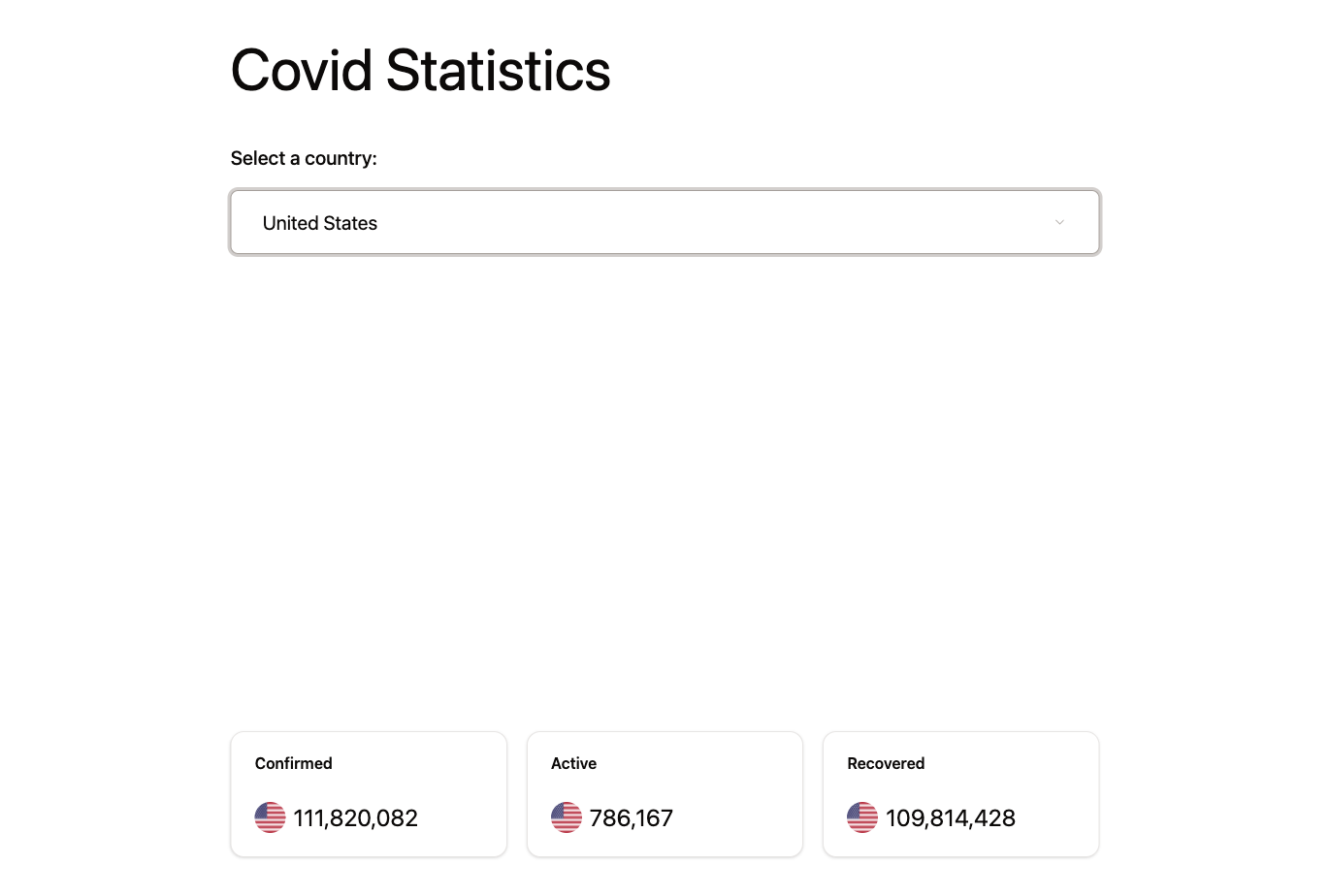
Run the app and select different countries. The statistics should update each time!
Checkpoint: Commit your progress.
git add .
git commit -m "dashboard-07: Connect components with props and lift state up"
git push