Rendering the Snake
We have a 20-by-20 grid of empty cells. Now let’s put a snake on it. We will represent the snake as an array of {x, y} positions and use CSS classes to paint those cells green.
Storing the Cells
Right now we create cells and append them to the board, but we do not keep a reference to them. We need a way to look up any cell by its grid position. Let’s store them in an array:
+ const cells = [];
  for (let i = 0; i < GRID_SIZE * GRID_SIZE; i++) {
    const cell = document.createElement("div");
    cell.classList.add("cell");
    board.appendChild(cell);
+   cells.push(cell);
  }
Since the cells are created left-to-right, top-to-bottom, a cell at grid position (x, y) maps to index y * GRID_SIZE + x. For example, the cell at column 3, row 2 on a 20-wide grid is at index 2 * 20 + 3 = 43.
Defining the Snake
Add the snake state below the grid creation code:
// Snake state: an array of {x, y} positions
// The first element is the head
const snake = [
  { x: 10, y: 10 },
  { x: 9, y: 10 },
  { x: 8, y: 10 },
];
The snake is an array of segments. The first element is the head and the rest form the body. This snake starts near the center of the grid, facing right (each segment is one column to the left of the previous).
Drawing the Snake
Add a draw function that paints the snake onto the grid:
function draw() {
  // Clear all cells
  cells.forEach((cell) => cell.classList.remove("snake", "snake-head"));

  // Draw the snake
  snake.forEach((segment, index) => {
    const cellIndex = segment.y * GRID_SIZE + segment.x;
    cells[cellIndex].classList.add("snake");
    if (index === 0) {
      cells[cellIndex].classList.add("snake-head");
    }
  });
}

draw();
Each time draw() runs, we first clear every cell by removing the snake classes, then loop through the snake’s segments and add the snake class to each. The head gets an extra snake-head class so we can style it differently.
Styling the Snake
Add these styles to src/style.css:
.snake {
  background: #4caf50;
  border-radius: 3px;
}

.snake-head {
  background: #66bb6a;
}
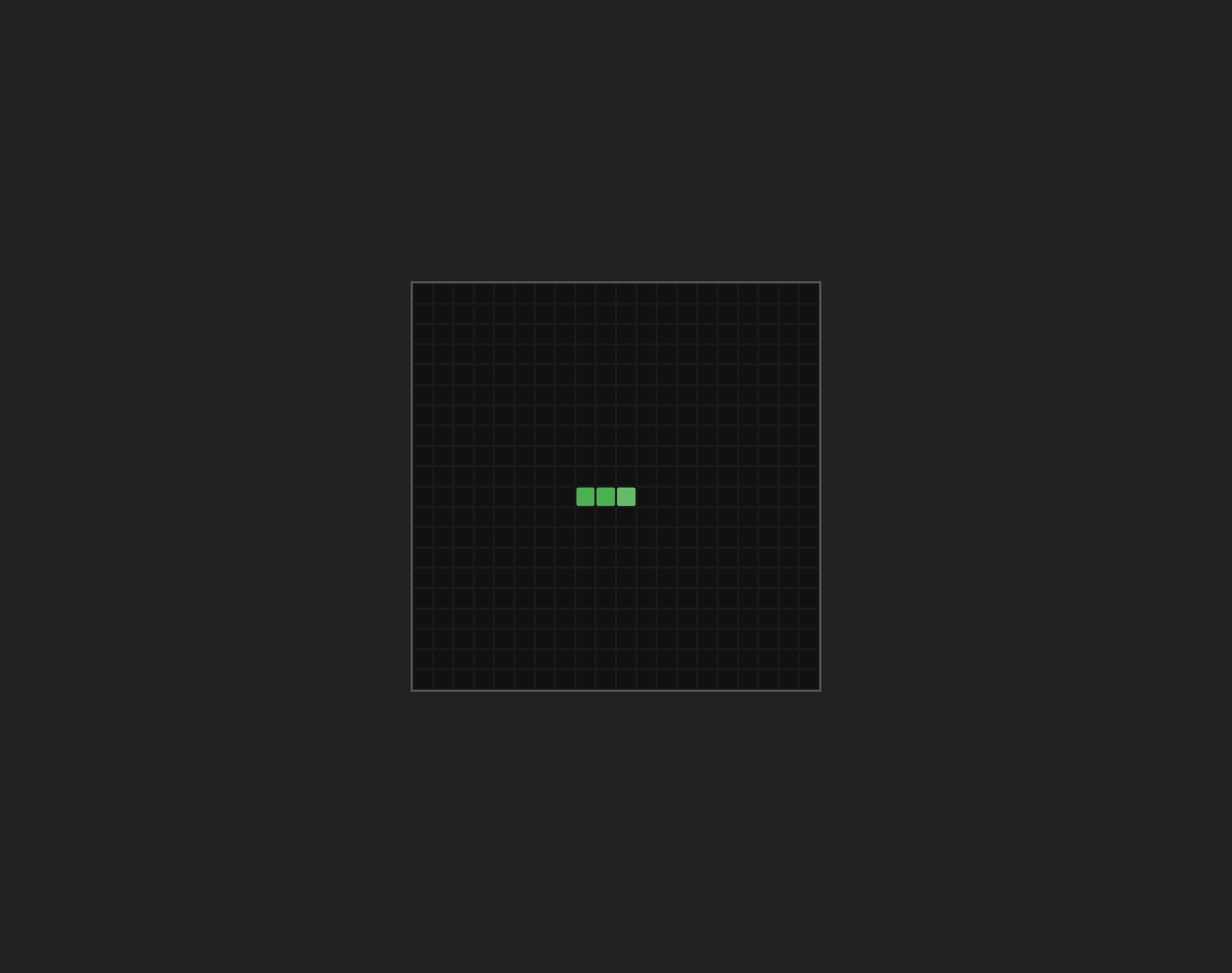
The body segments are a solid green, and the head is a slightly lighter shade. The border-radius rounds the corners of each segment a little.
Run the dev server and you should see a short green snake near the center of the board:
Checkpoint: Commit your progress.
git add .
git commit -m "snake-02: Render the snake on the grid"
git push