Adding Food
Let’s add food that appears at a random position on the board. When the snake eats it, it grows longer and a new piece of food spawns.
Placing Food Randomly
Add a placeFood function and a food variable below the direction declaration:
// Food position
let food = placeFood();

function placeFood() {
  let position;
  do {
    position = {
      x: Math.floor(Math.random() * GRID_SIZE),
      y: Math.floor(Math.random() * GRID_SIZE),
    };
  } while (snake.some((seg) => seg.x === position.x && seg.y === position.y));
  return position;
}
The function picks a random {x, y} position within the grid. The do...while loop keeps the food from spawning on top of the snake. If the random position overlaps any snake segment, the loop picks another one.
Eating Food
Update the update function to check whether the snake’s new head lands on the food:
  // Add new head to the front
  snake.unshift(newHead);

- // Remove the tail
- snake.pop();
+ // Check if snake ate food
+ if (newHead.x === food.x && newHead.y === food.y) {
+   // Don't remove the tail — the snake grows
+   food = placeFood();
+ } else {
+   // Remove the tail
+   snake.pop();
+ }
To grow the snake, we skip the pop(). Normally each tick adds a head and removes a tail, so the length stays the same. When the snake eats food, we add the head but leave the tail in place, so the snake is now one segment longer. Then we place a new piece of food.
Drawing the Food
Update the draw function to clear and render the food cell:
  // Clear all cells
- cells.forEach((cell) => cell.classList.remove("snake", "snake-head"));
+ cells.forEach((cell) =>
+   cell.classList.remove("snake", "snake-head", "food"),
+ );

+ // Draw the food
+ const foodIndex = food.y * GRID_SIZE + food.x;
+ cells[foodIndex].classList.add("food");

  // Draw the snake
Styling the Food
Add a style for the food in src/style.css:
.food {
  background: #f44336;
  border-radius: 50%;
}
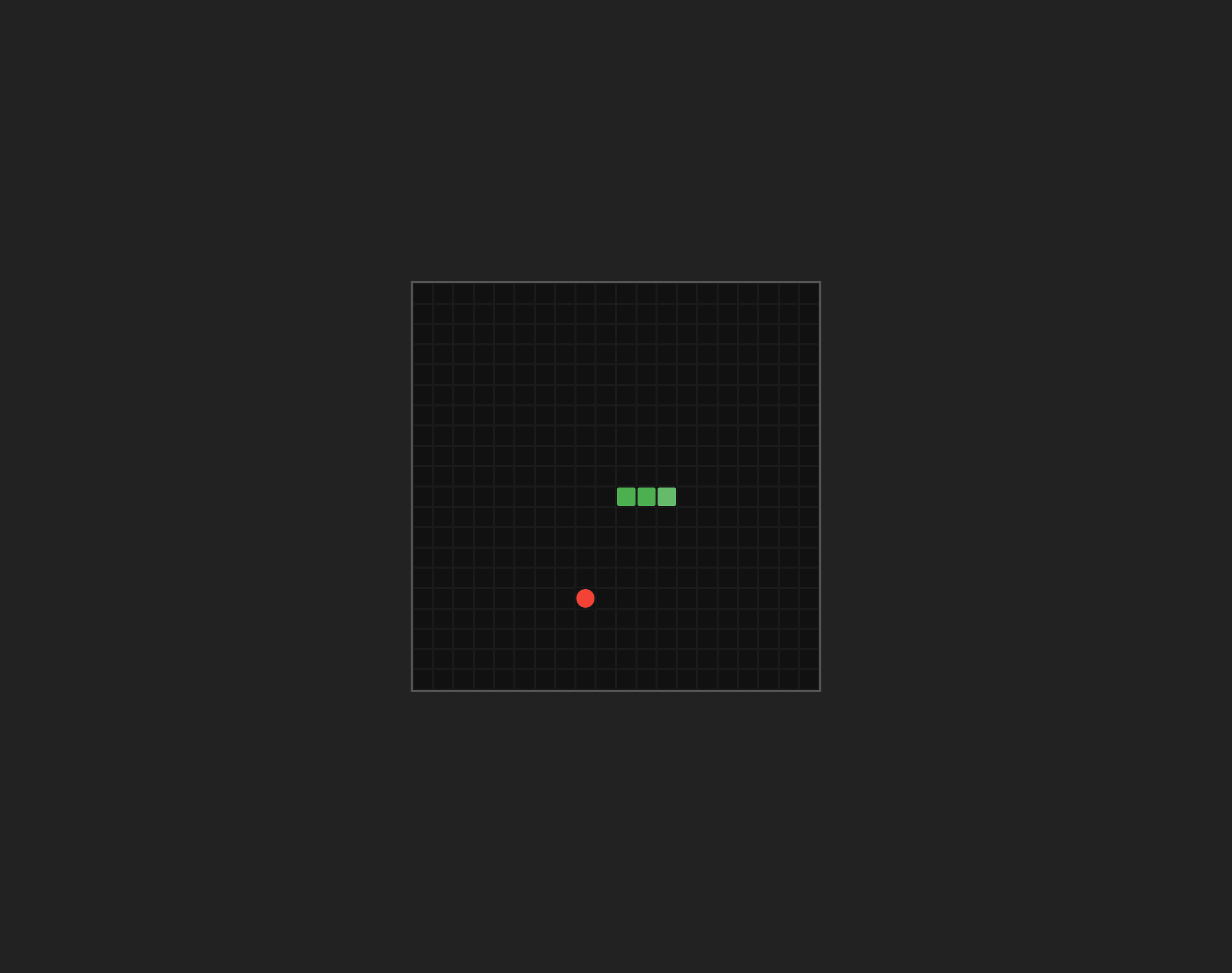
The border-radius: 50% makes the food a circle, so it does not look like the square snake segments.
Run the dev server and you should see a red dot on the board. Steer the snake into it. The snake grows and a new piece of food appears:
Checkpoint: Commit your progress.
git add .
git commit -m "snake-05: Add food spawning, eating, and snake growth"
git push