Tracking and Displaying the Score
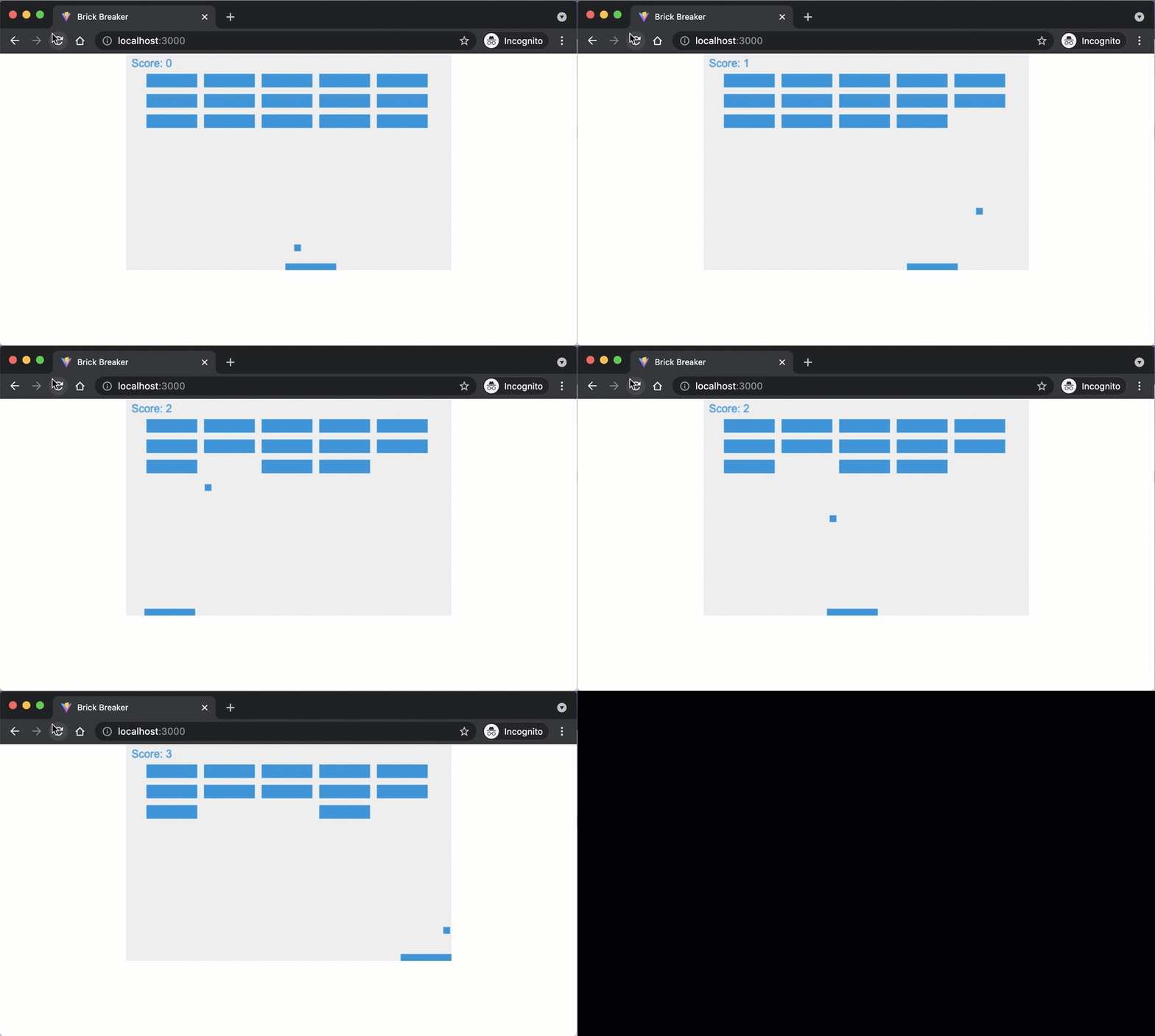
Our game is nearly done, but the player has no way to tell how well they are doing. Let’s add a score that increments each time the ball breaks a brick. To do that we need to draw text on the canvas, and we need the collision logic to report when a hit happens.
Drawing the Score on the Canvas
Open src/main.js and declare a score variable outside of the draw function:
let score = 0;
The Canvas API lets you render text with fillText. Add these three lines somewhere inside the draw function to display the score in the top-left corner:
ctx.font = "16px Arial";
ctx.fillStyle = "#0095DD";
ctx.fillText("Score: " + score, 8, 20);
Returning True or False from collides
Right now, Brick.collides hides the brick and bounces the ball, but it does not tell the caller whether a collision happened. Update the method to return a boolean:
collides(ball) {
  if (this.visible && this.intersects(ball)) {
    this.visible = false;
    ball.collides(this); // causes the ball to bounce off
    return true;
  }
  return false;
}
Returning true or false lets the game loop know when to award a point.
Incrementing the Score
Now update the draw function to check the return value and increment the score:
  bricks.forEach((brick) => {
    brick.draw(ctx);
-   brick.collides(ball);
+   if (brick.collides(ball)) {
+     score++;
+   }
  });
Save your code and observe the changes in the browser.
Checkpoint: Commit your progress.
git add .
git commit -m "brick-15: Add score tracking and display"
git push