Ask About useMemo Three Ways
Open src/components/board.tsx. There is a useMemo call in there. It is the only piece of this codebase that has not appeared in earlier chapters. So we have a real question to ask Copilot, and we will ask it three ways: from the Chat view, from a slash command, and from inline chat. Each one gives roughly the same answer. What differs is how much work it takes to ask.
In a New Chat
In the Chat view, click the + button to start a new thread (so earlier context does not affect the question). Then type:
Explain useMemo to me. Why is it being used here?
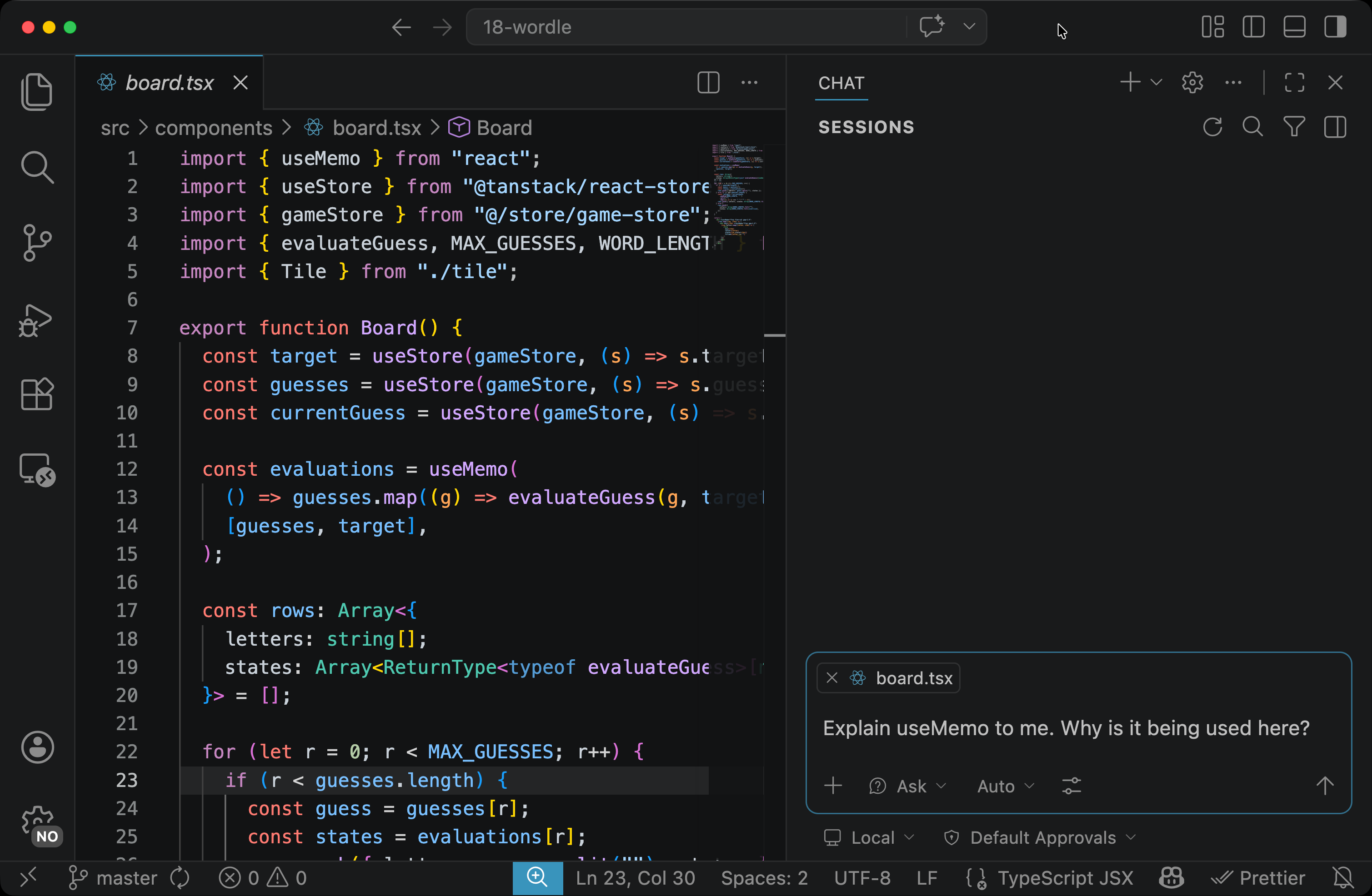
Notice you did not attach #file:board.tsx. When you have a file open in your editor, Copilot picks it up automatically. The active file is part of every prompt’s context by default. #file: is for files that are not open. Send the prompt. You will get an explanation of useMemo that also says how board.tsx uses it.
With /explain
Slash commands are shortcuts for common Copilot intents. Type / in the input box and you will see a picker: /explain, /fix, /tests, and others. The one we want is /explain.
Start another new chat (the + again) and type:
/explain useMemo
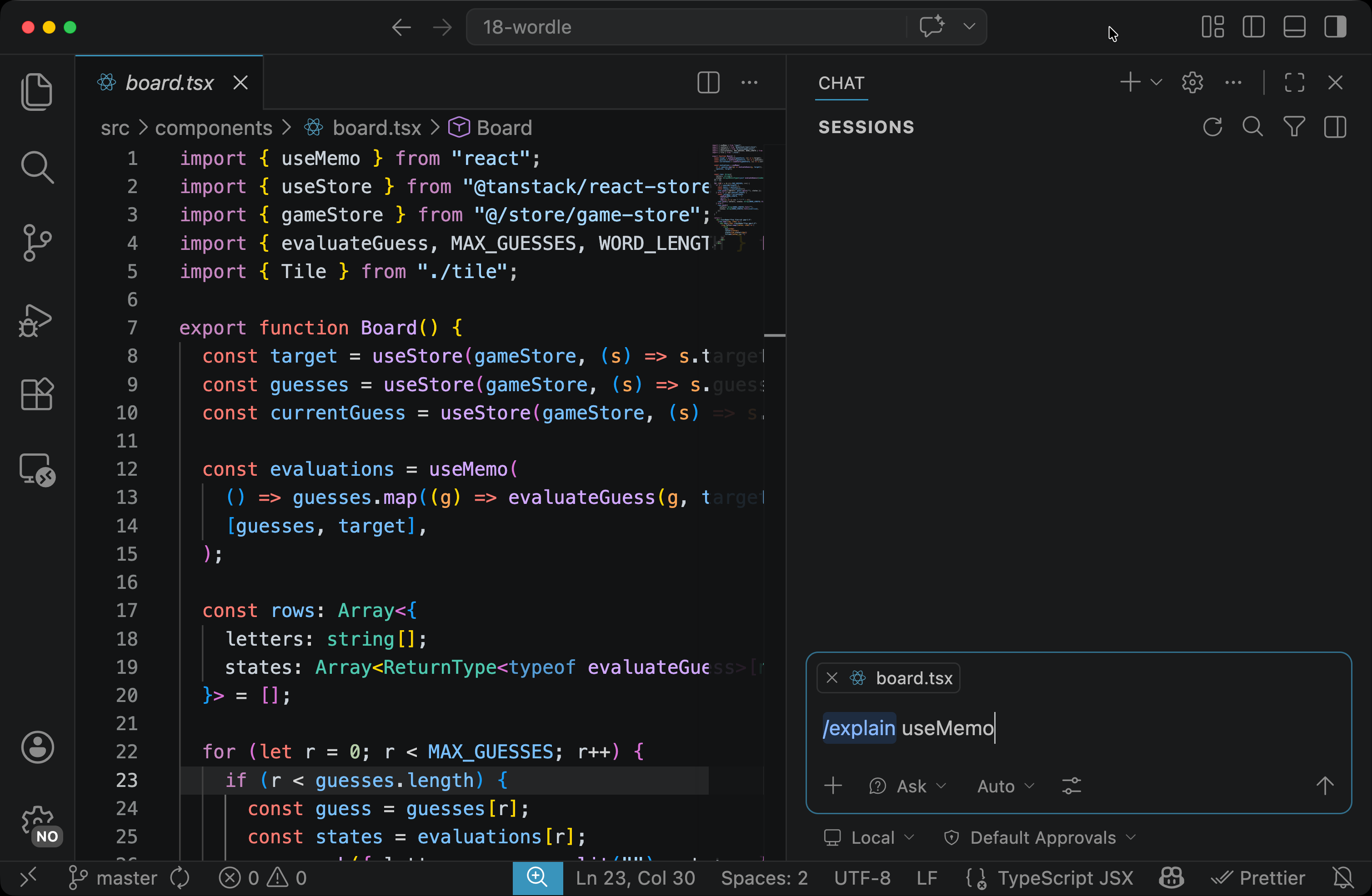
Send it. The slash command tells Copilot the intent (“explain”); the trailing text (useMemo) is the topic. Because board.tsx is still your active file, Copilot can also look at how the code uses it. Compare this answer to the one from the plain prompt. The question is the same, but the answer is framed a little differently.
With Inline Chat
You do not have to leave the editor to ask. Select the word useMemo in board.tsx (any one of the occurrences), then press:
Cmd+Ion macOSCtrl+Ion Windows or Linux
A small popover opens at your cursor. Type:
What is this hook and why is it here?
Send. The answer appears in the popover, and it is about the code you selected. Press Esc to dismiss when you are done.
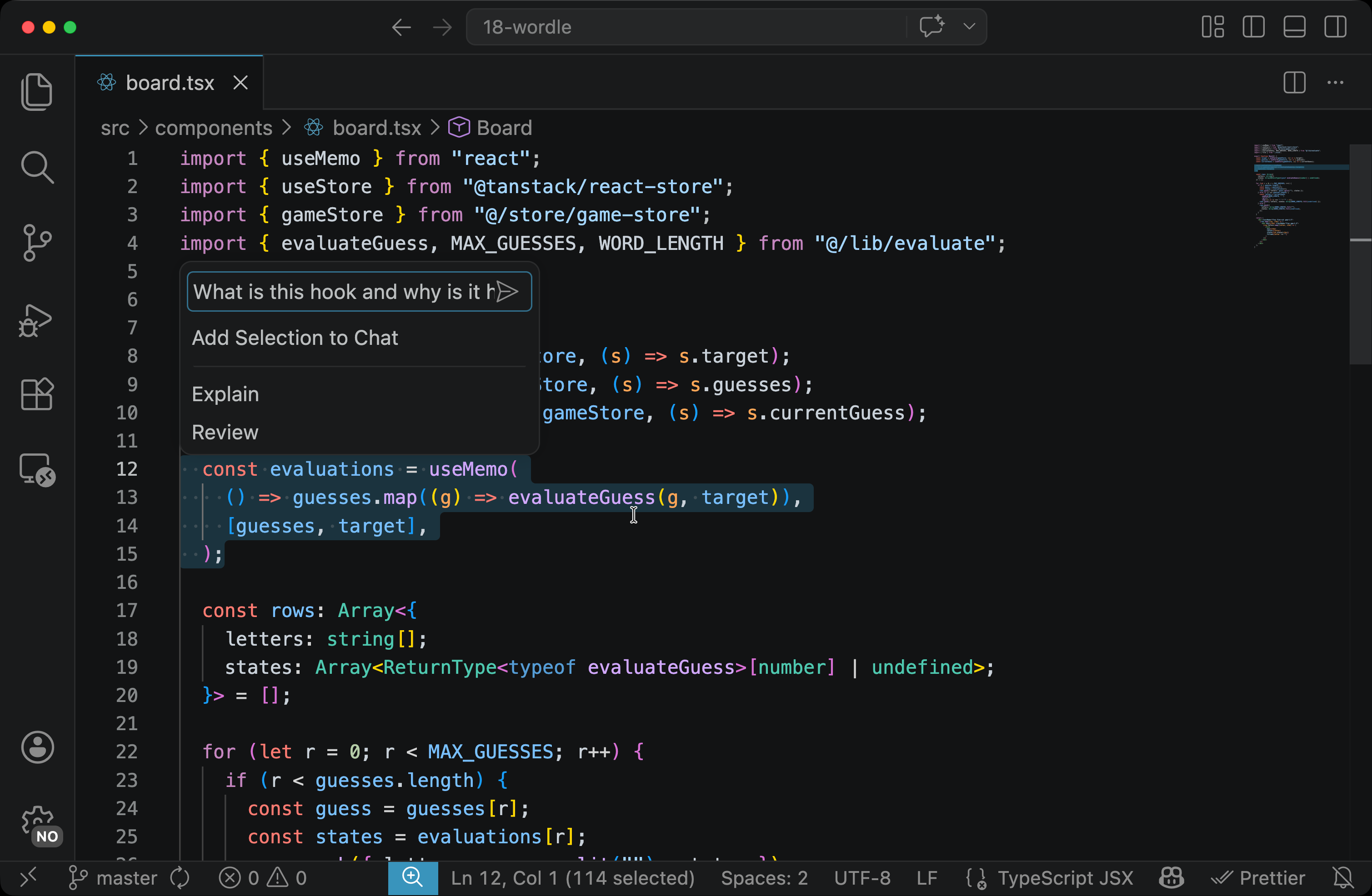
Inline chat is fastest when the question is small and you do not want to leave the editor.
Choosing a Surface
Each surface fits a different situation:
| Surface | When it fits |
|---|---|
| Chat view (with file open) | A real conversation; you might want follow-ups |
/explain slash command |
A one-off explanation with fewer keystrokes |
| Inline chat on a selection | A small question, in-place, no panel switch |